BY-Purchase Invoice Creation
Executed by
Senior Marketing Manager / Requestor / General Affairs
Processes trigerred from
- Campaign Management
- PO-based Procurement
- Service/Contract based Procurement
- Non PO based Procurement
Navigation
Navigation 1: Home > Select Buying Module > Select Purchase Invoice Creation
Navigation 2: Home > Select Buying Module > Select Goods Receive Note > Click on Create Button > Select Purchase Invoice Creation
Steps
To create Purchase Invoice With reference Goods Received Note.
Navigation 2: Home > Select Buying Module > Select Goods Receive Note > Click on Create Button > Select Purchase Invoice Creation
- Click Add Purchase Invoice Creation
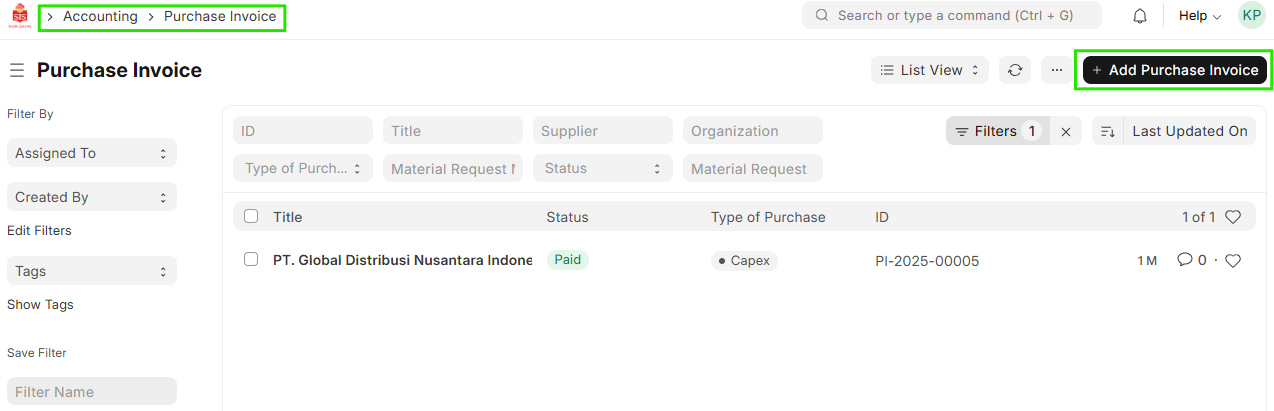
- Enter Supplier
- Enter Posting Date
- In 'Supplier Invoice' section, enter 'Supplier Invoice No.' & 'Supplier Invoice Date'

- Enter Item code & Quantity (item rate will be populated as per Item Price List)
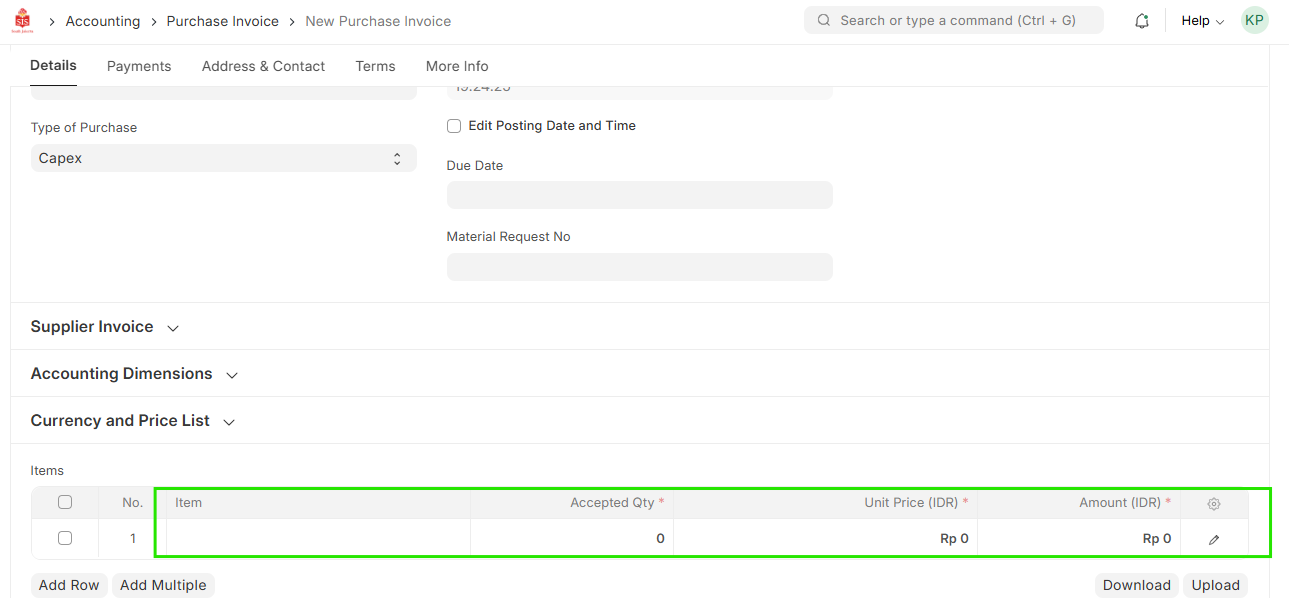
Verify/Enter Cost Center & Profit Center Accounting Dimensions Cost Center & Profit Center are mandatory.
-In case of a Purchase Type Marketing Working Budget - Cost Center, Profit Center, and Marketing Segment must be specified
-In case of Purchase type Opex & Capex -Cost Center , Profit Center must be Specified

- Save the document