HR-Employee Background Verification Documents Updation
Executed by
Legal Team
Processes trigerred from
On-Boarding
Navigation
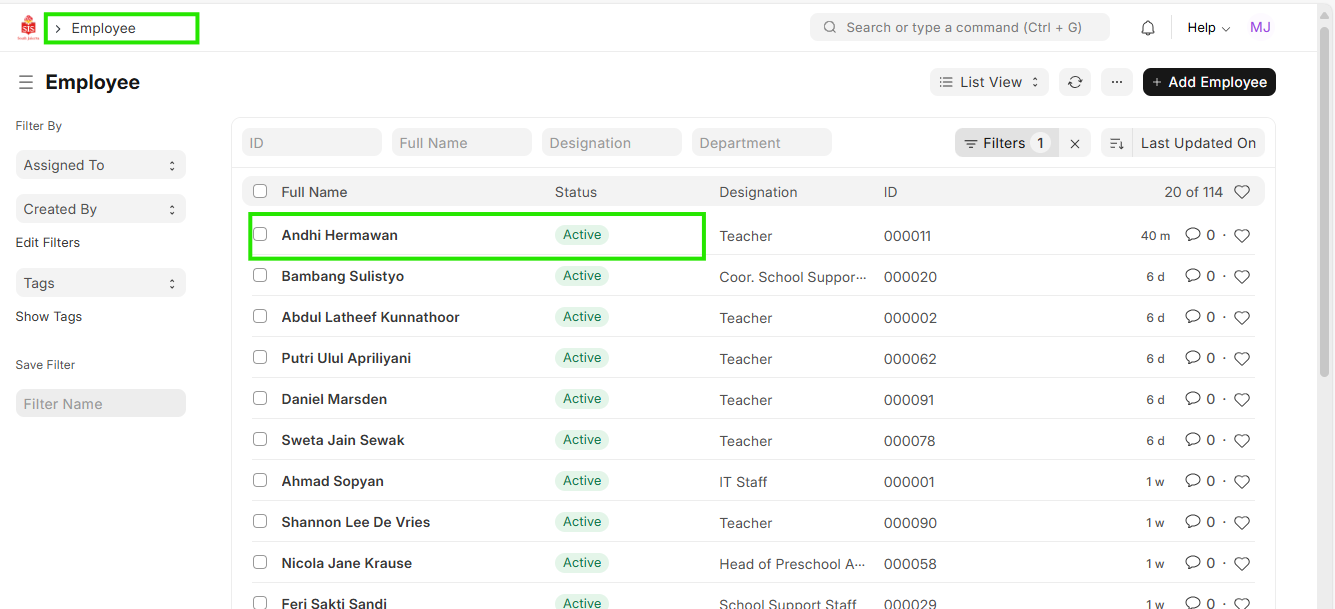
Navigation: Home > Select HR Module > Select Employee
Steps
- Select the Employee for which the background verification data needs to be updated.
- Click on ""Background Verification"" Tab
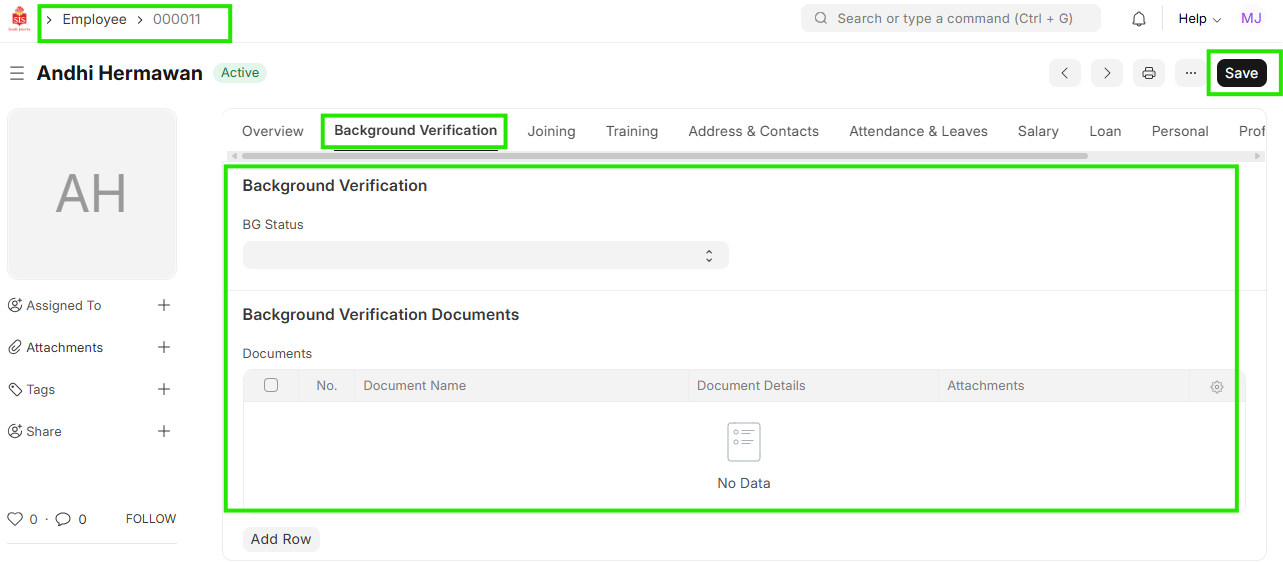
Fill and attach all the data in the background verification data.
Save