HR - Payroll Entry Creation
Executed by
HR Specialist
Processes trigerred from
- Payroll
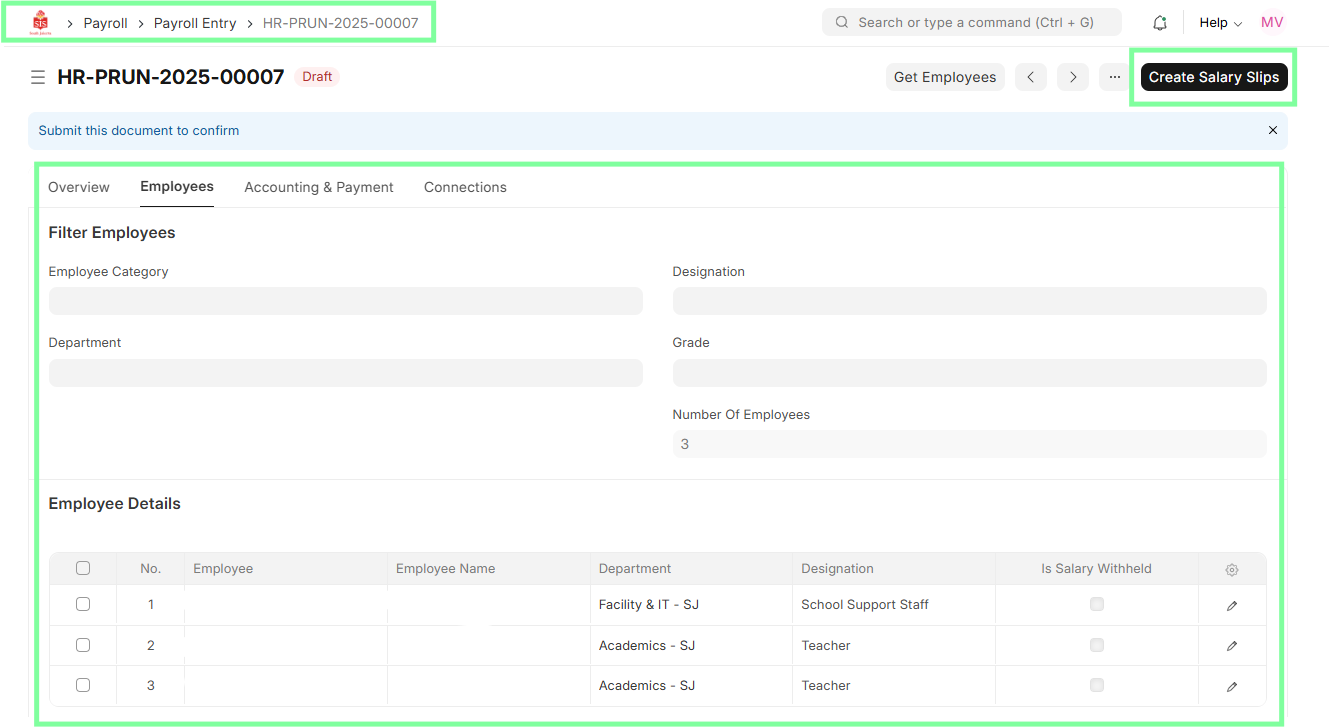
Navigation
Home > Payroll > Payroll Entry
Steps
HR Specialist logs into ERPNext.
Navigate to Payroll module and select Payroll Entry.

Click "New Payroll Entry" and select the payroll period.
Add employees and validate their attendance.
Save and submit for approval.