HR - Salary Data Update
Executed by
HR Specialist
Processes trigerred from
- Payroll
Navigation
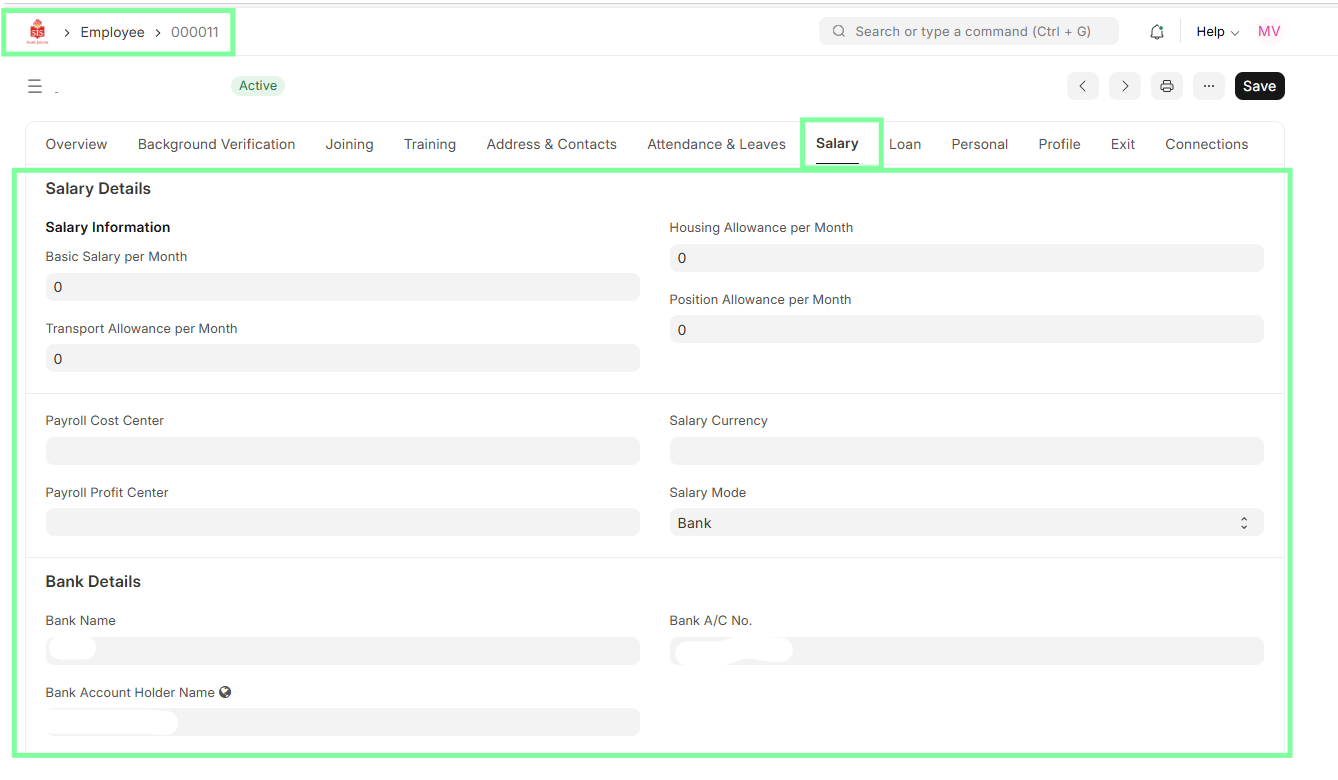
Home > HR > Employee
Steps
HR Specialist logs into ERPNext.
Navigate to Employee module, open the employee profile.
Update Salary Details under Salary Details section.
Save and submit for further processing.