ED-Assessment plan editing / updation
Executed by
Registrar
Processes trigerred from
Navigation
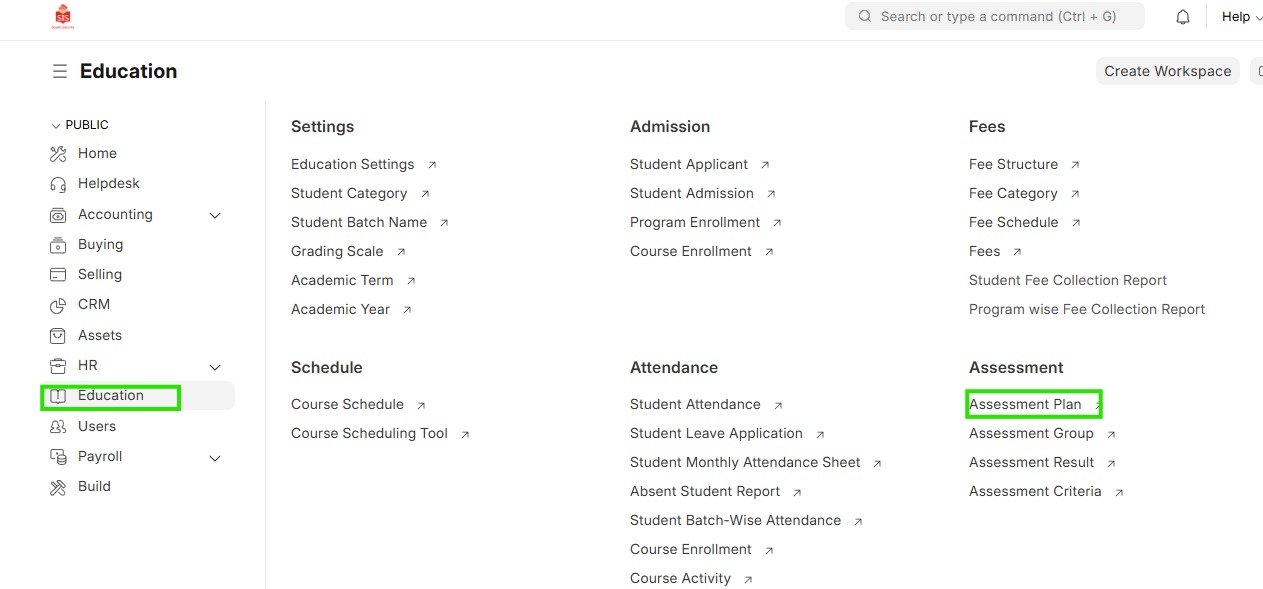
Navigation:Education > Assessment Plan
Steps
Assessment plan editing / updation
- Select Education module and click on Assessment Plan
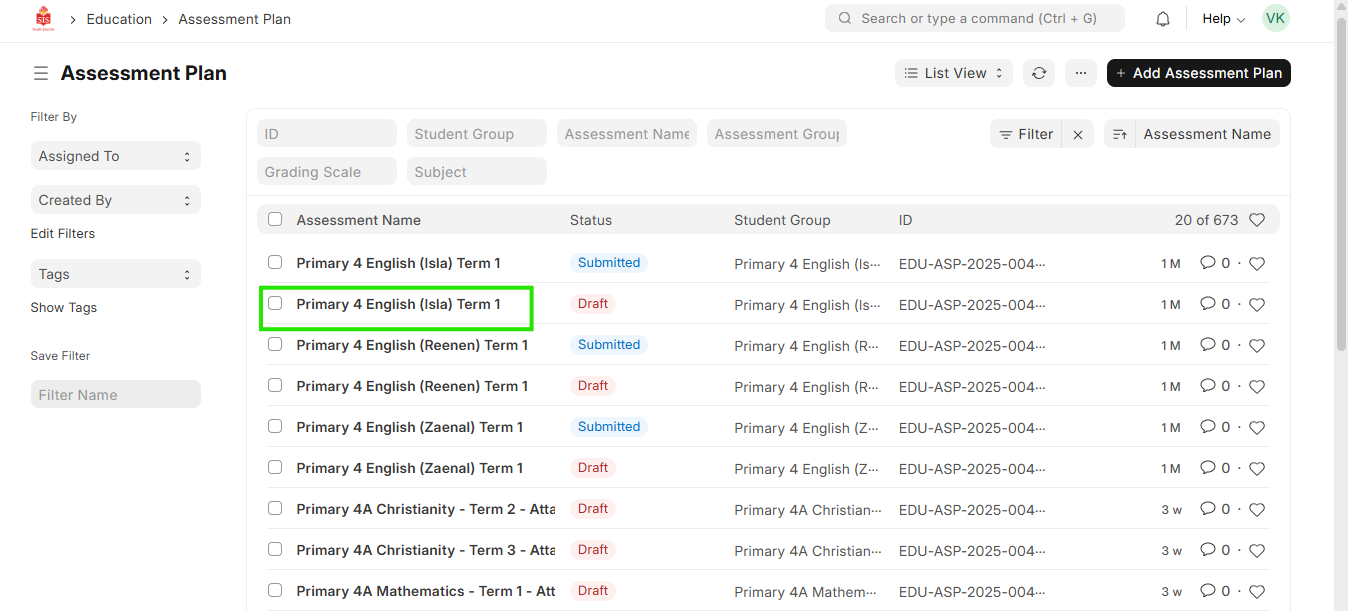
 2. Filter and check the name of the assessment plan that needs to be changed. Click and open the assessment plan
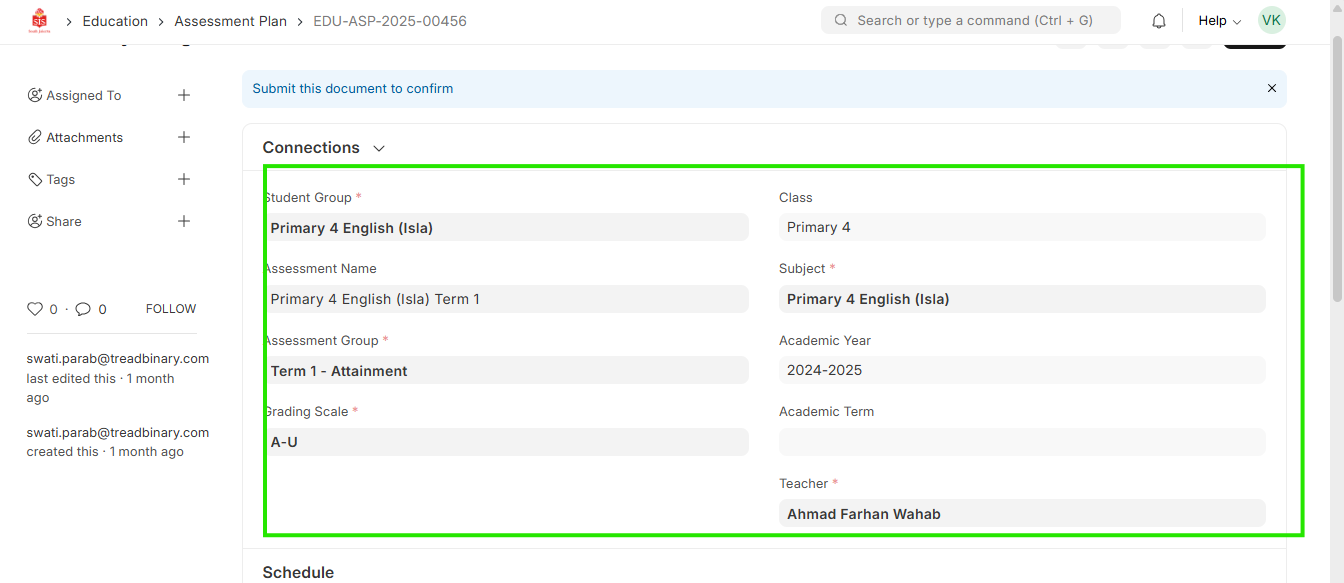
- In the connections tab, check if there are any assessment related documents created through the plan
 4. If there are any assessment results linked to the assessment plan, they will need to be cancelled within the Assessment Result doctype
5. If the assessment result are not linked, click on Cancel and then click on Amend
4. If there are any assessment results linked to the assessment plan, they will need to be cancelled within the Assessment Result doctype
5. If the assessment result are not linked, click on Cancel and then click on Amend
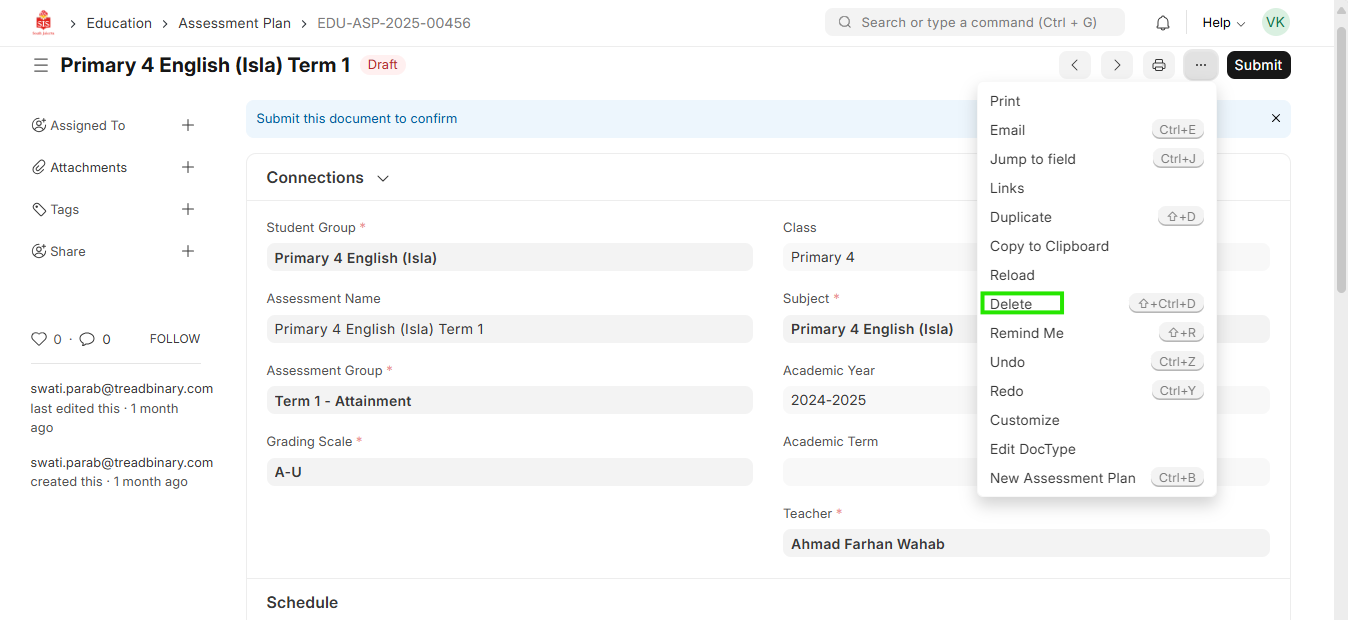 6. Make the required changes in the doctype. Click on Save and then click on Submit