ED-Student progress Report creation based on assessment (internal)
Executed by
Registrar
Processes trigerred from
Navigation
Navigation:Education > Progress Report
Steps
- Select the Progress Report to be generated from the List by searching the student name

- After searching and clicking on the student, click on generate progress report.
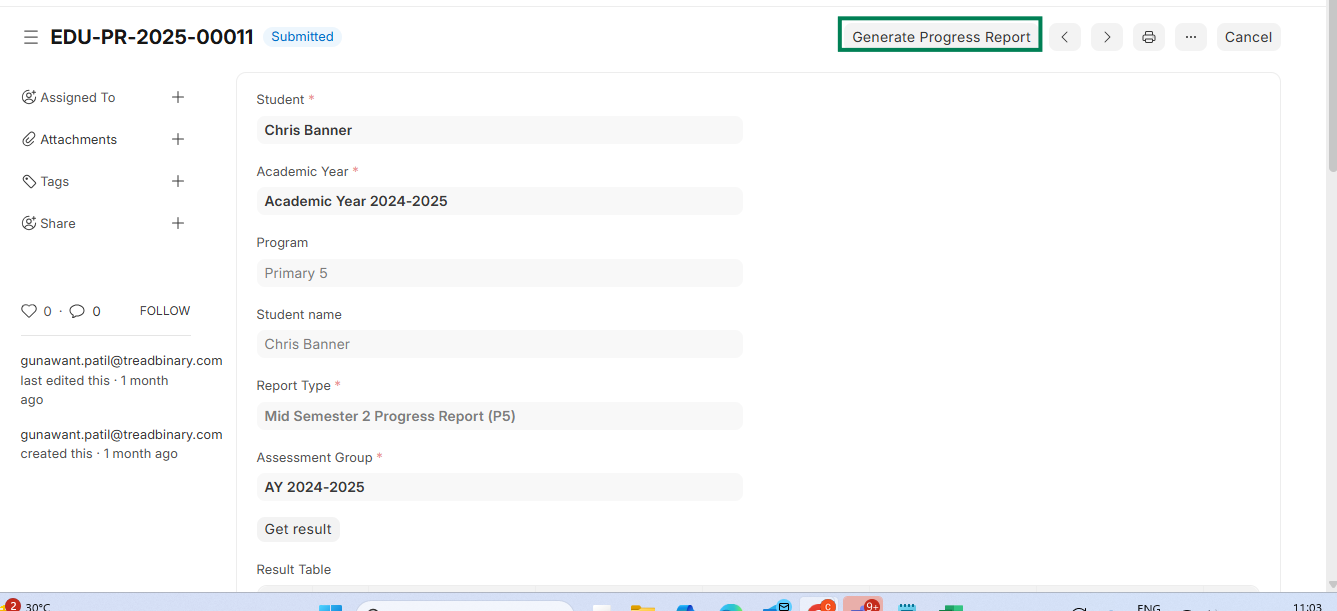 3. Student progress report will be exported and generated in the print format in pdf