HR-Full and Final Settlement
Executed by
"HR Manager Finance Manager"
Processes trigerred from
Employee Transfer & Exit
Navigation
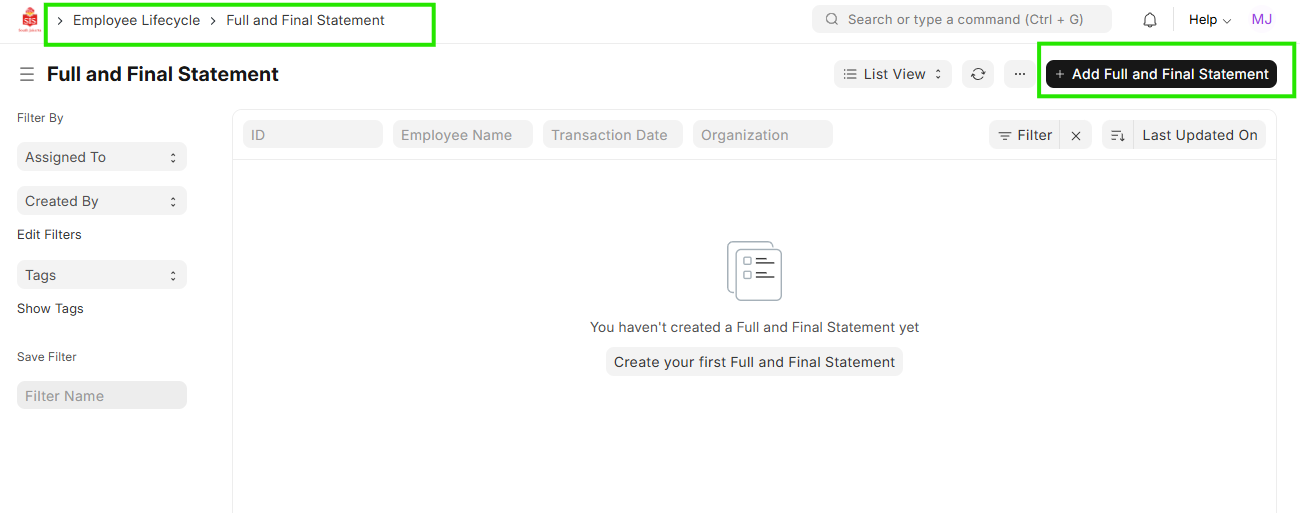
Navigation: Home > Select HR Module > Select Employee Lifecycle > Full and Final Settlement
Steps
- Click on ""Add New Full and Final Statement""
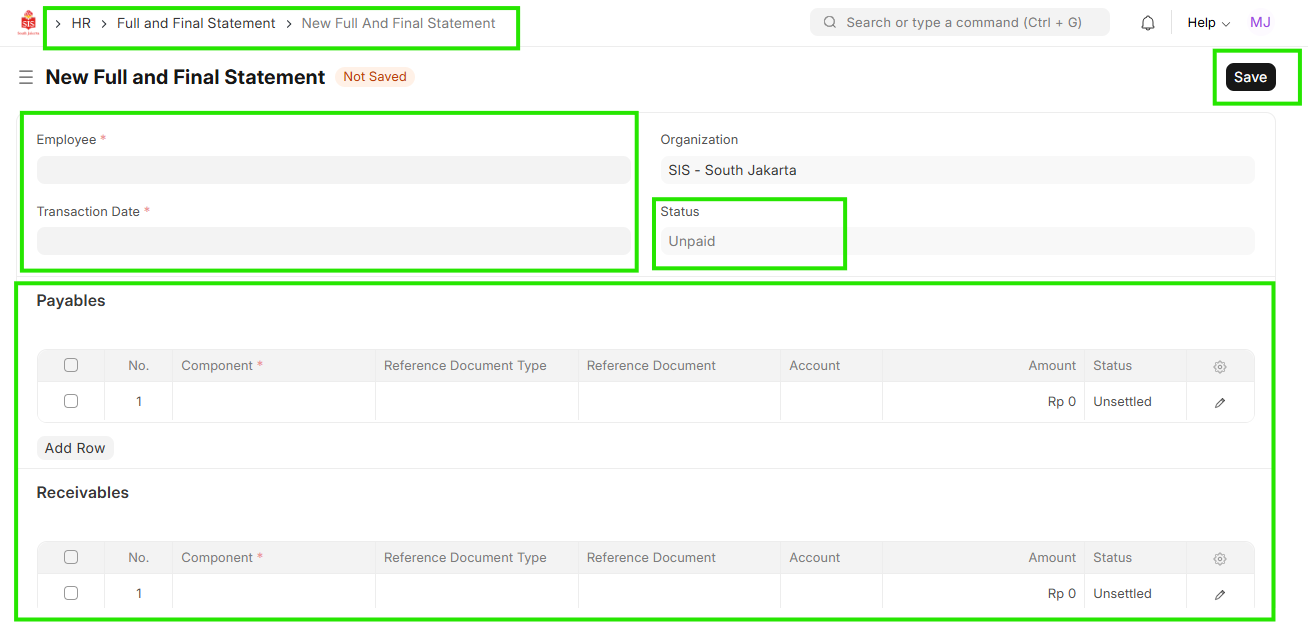
- Select ""Employee"" & ""Transaction Date""
- Add the ""Payables""& ""Receivables""
- Change the Status
- Save & Submit