FI- Payment Reconciliation
Executed by
Accounts Executive - Payable / Finance Manager
Processes triggered from
- Campaign Management
- PO-based Procurement
- Service/Contract based Procurement
- Non Po based Procurement
Navigation
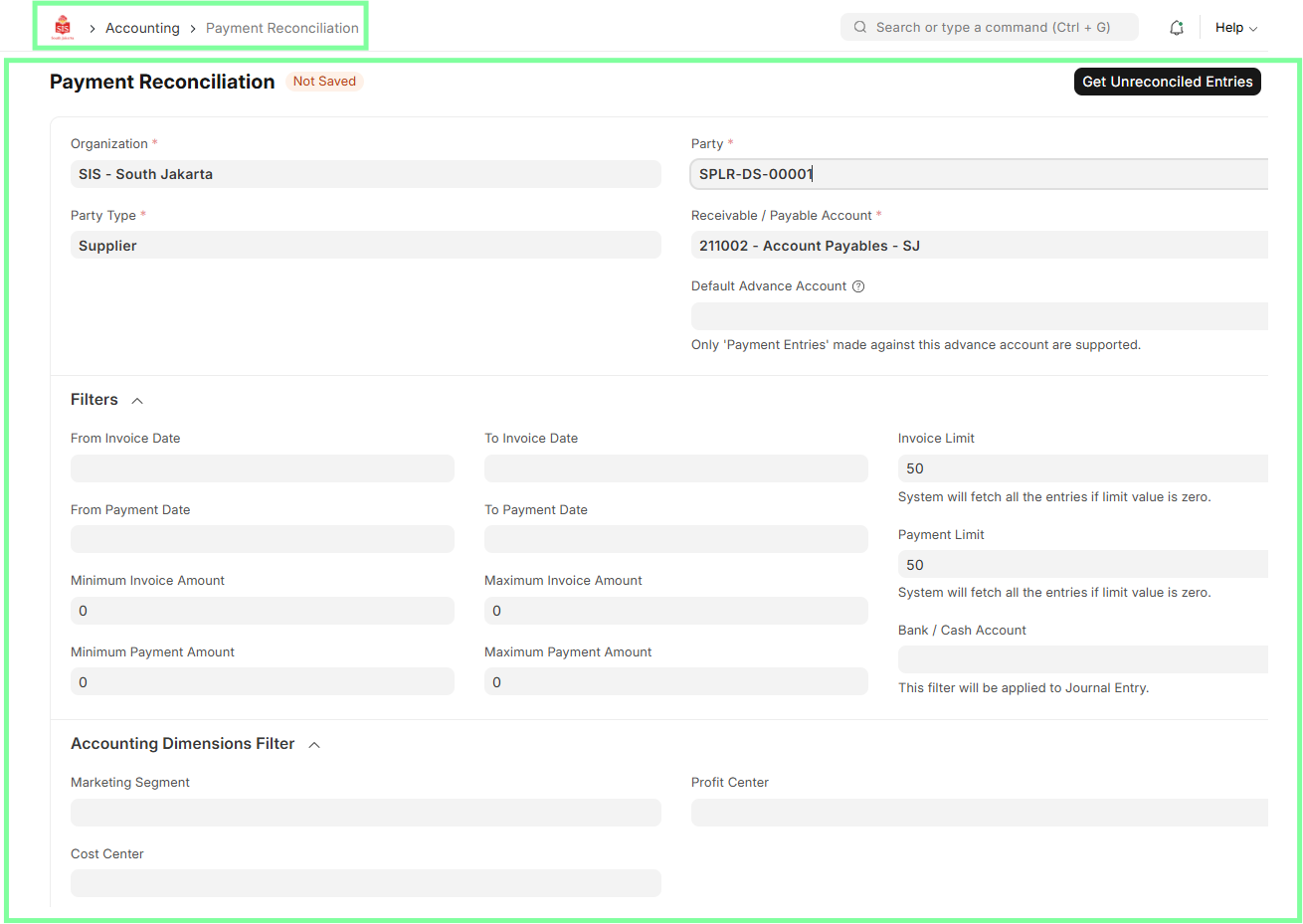
Home > Go to Accounting Module > Select Payables > Go to Payment Reconciliation
Steps
For Process: Payment Reconciliation (AP - Accounts Payable)
Navigate to the Reconciliation Tool.
Link the remaining payment with the corresponding Purchase Invoice.
Reconcile the payment with the invoice.
Verify the amounts are correctly matched and ensure no discrepancies exist.
Save and submit.
-------------------------------------------------------------------------------------------
Executed by
Accounts Executive - Receivable
Processes trigerred from
- Student Admission - New Student Admission "(Variant)", Existing Student "(Variant)"
- Student Transfer
- Other Sales
Navigation
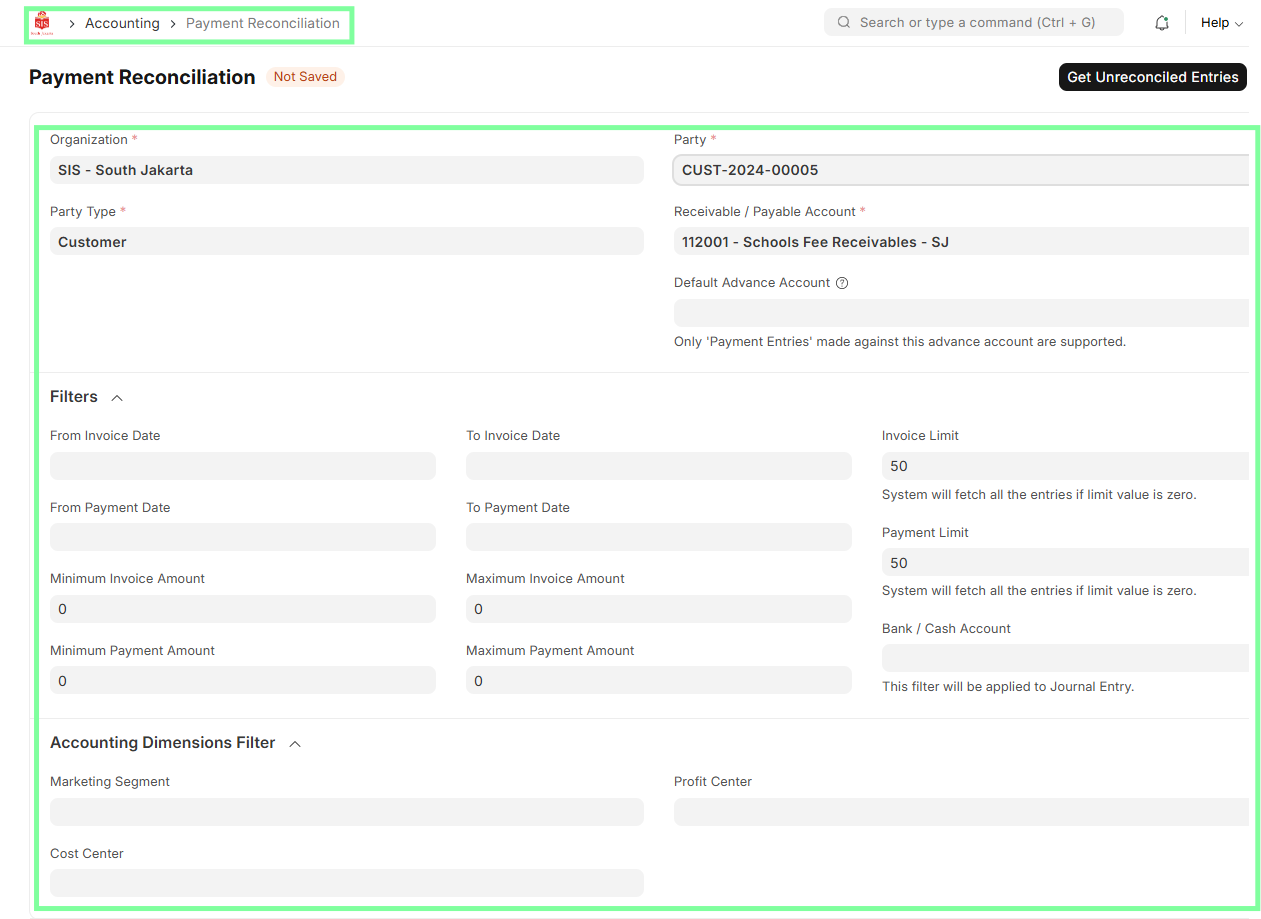
Home > Accounting Module > Accounts Receivable > Payment Reconciliation > Select Outstanding Invoices
Steps
For Process: Payment Reconciliation (AR - Accounts Receivable)
Navigate to the Reconciliation Tool.
Select Outstanding Invoices.
Match Payment Entries to Sales Invoices.
Verify Payment and Adjustment Details.
Save and Submit
--------------------------------------------------------------------------------------------
Executed by
Finance Manager
Processes trigerred from
- Cash & Bank - Bank Accounting "(Varaint)"
Navigation
Home > Accounting Module > Payment Reconciliation
For Process: Cash & Bank - Bank Accounting
Steps:
Accounts Receivable (AR) and Accounts Payable (AP) Executives will record incoming and outgoing payments in the Payment Entry module.
The Finance Manager will reconcile the recorded payments (if missed in regular transaction) against bank statements.
Any discrepancies will be investigated and resolved.
Submit the reconciled payments.