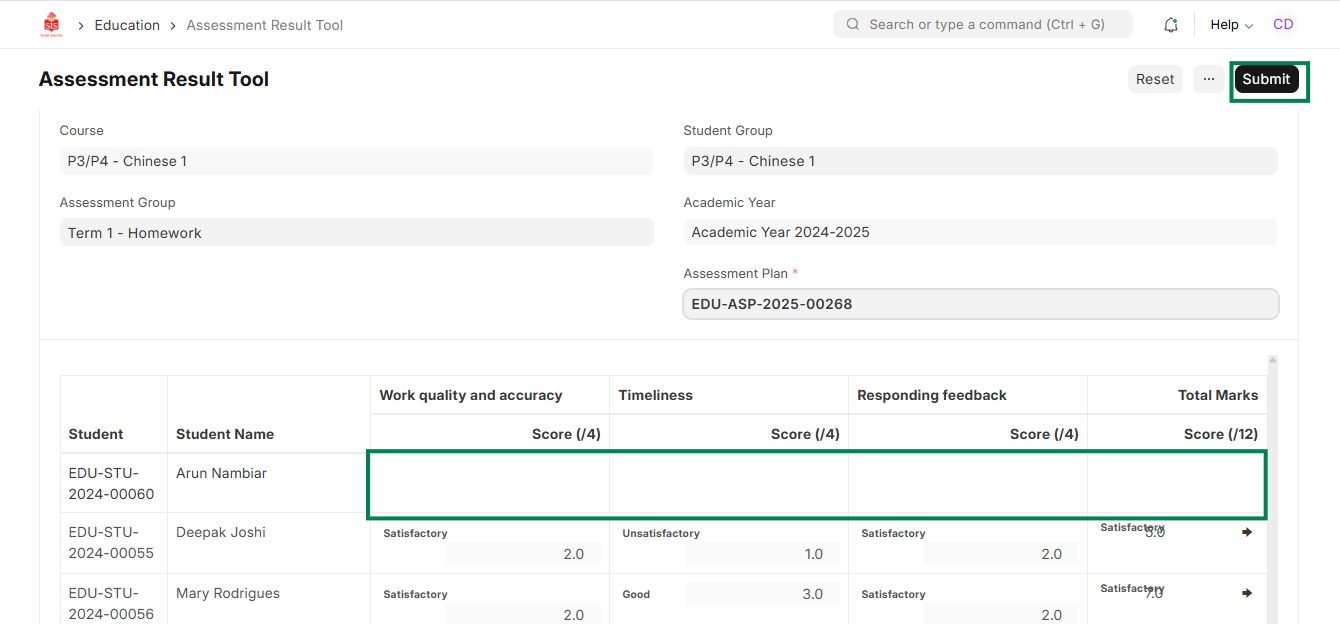
ED-Assessment result editing / update
Executed by
Registrar, Teacher
Processes trigerred from
Navigation
Navigation:Education > Assessment Result
Steps
Assessment result editing / update
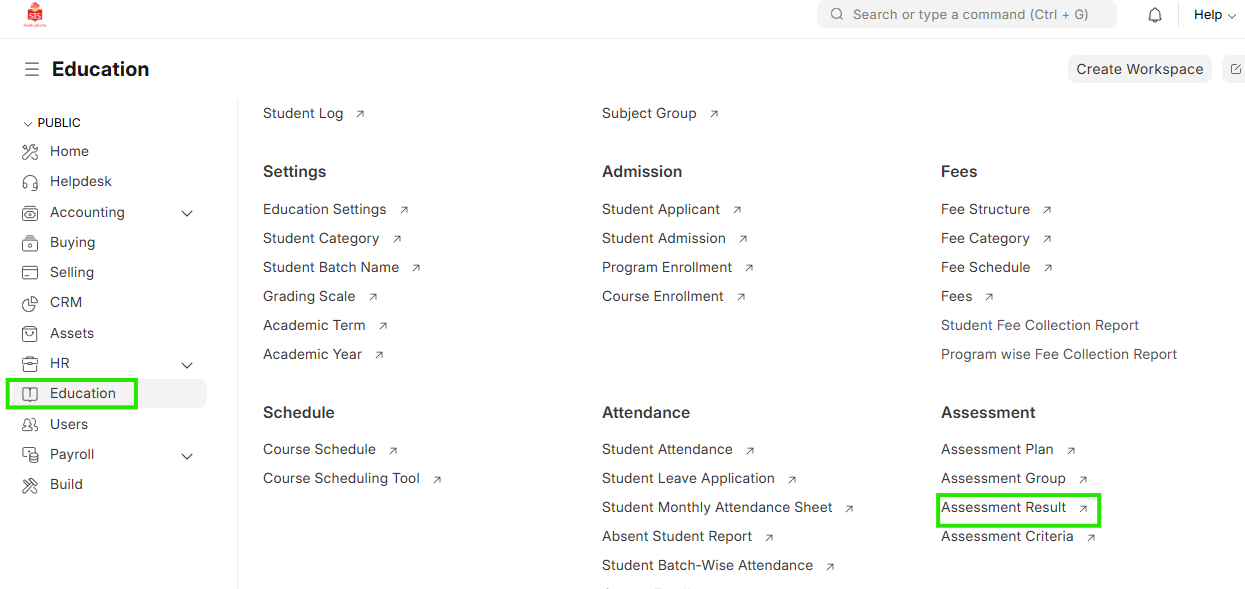
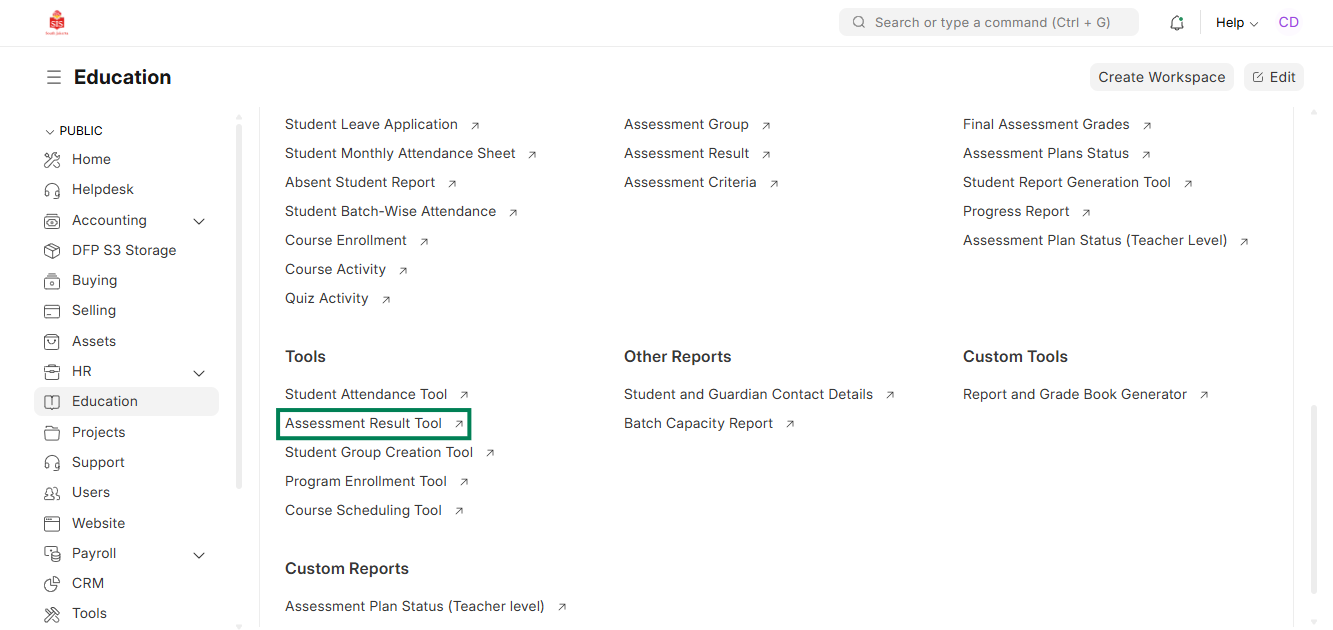
- Select Education module and click on Assessment Result
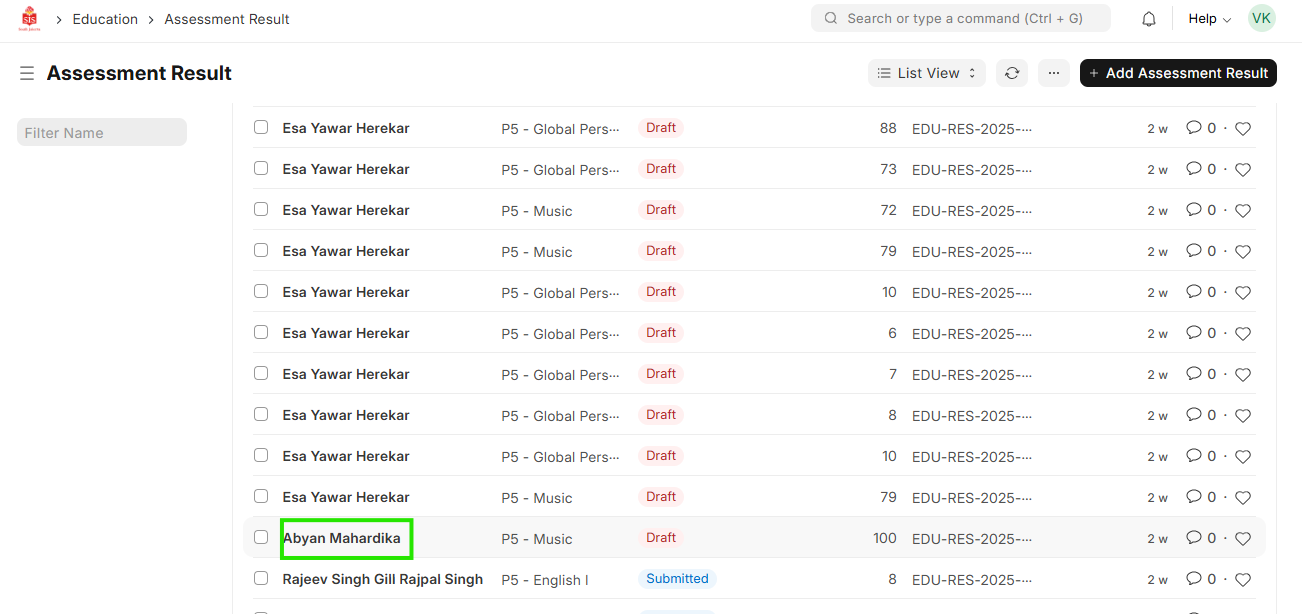
 2. Filter and find the name of the student for whom the entry needs to be altered
 3. Select the entry and Cancel the entry
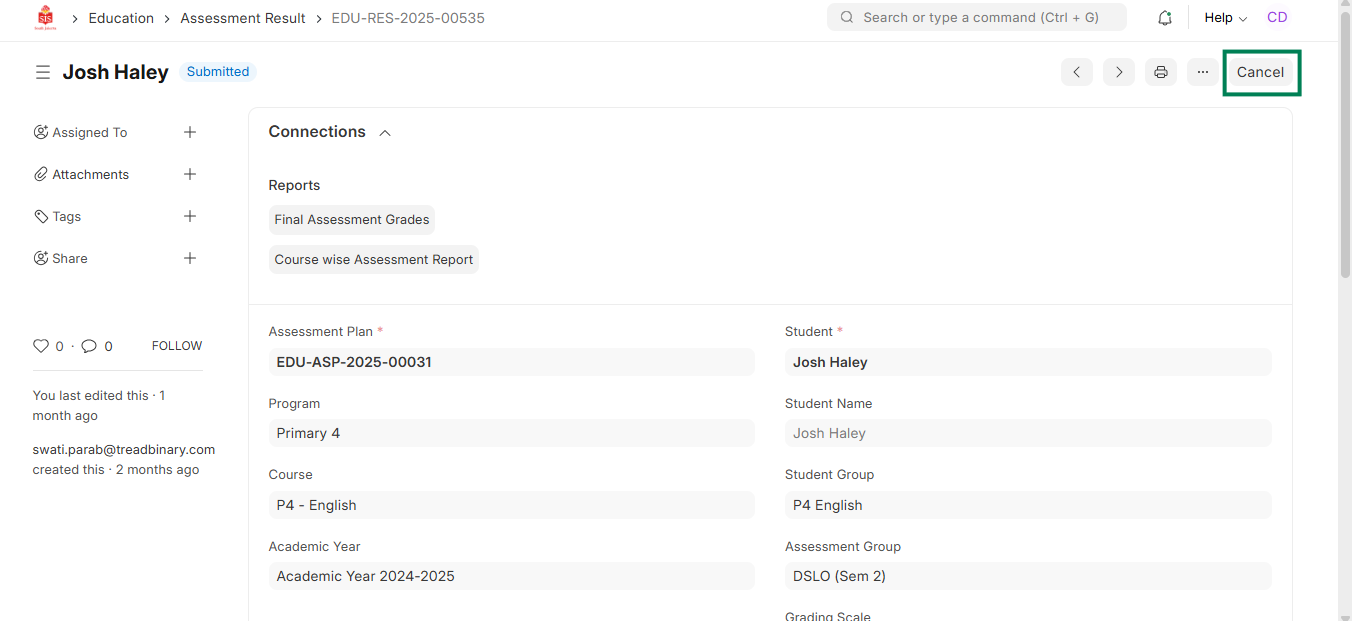
Assessment result editing / update
- After the entry has been cancelled by the Registrar, click on Assessment Result Tool and select the respective assessment plan
- Make the changes for the student in the respective assessment plan and click on Submit