CRM - Lead Follow-Up Updation
Executed by
Marketing Executive
Processes trigerred from
New Lead Management - "(Variant)"
Navigation
Home > CRM >Sales Pipeline > Lead > Follow up tab
Steps
Lead Follow-up:
- Navigate to Lead Section Go to Home > CRM > Lead.
- Select the Lead choose the specific lead you want to follow up on.
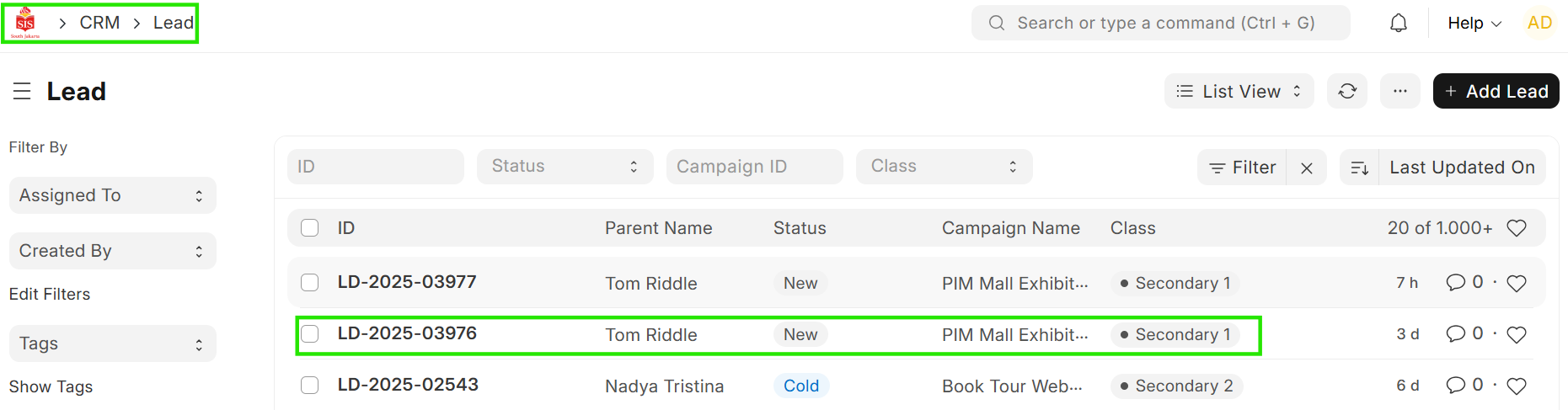 3. Go to Follow-up Tab Locate and click on the Follow-up tab for the selected lead.
- Enter Follow-up Details-Add the required details in the follow-up fields, including the Follow-up Date and Feedback.
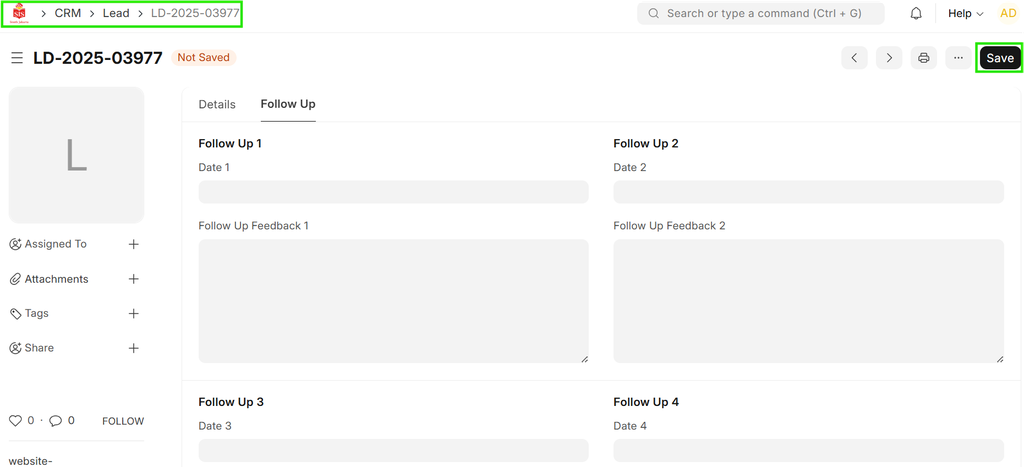 5. Save the Follow-up after entering the details, save the follow-up information.