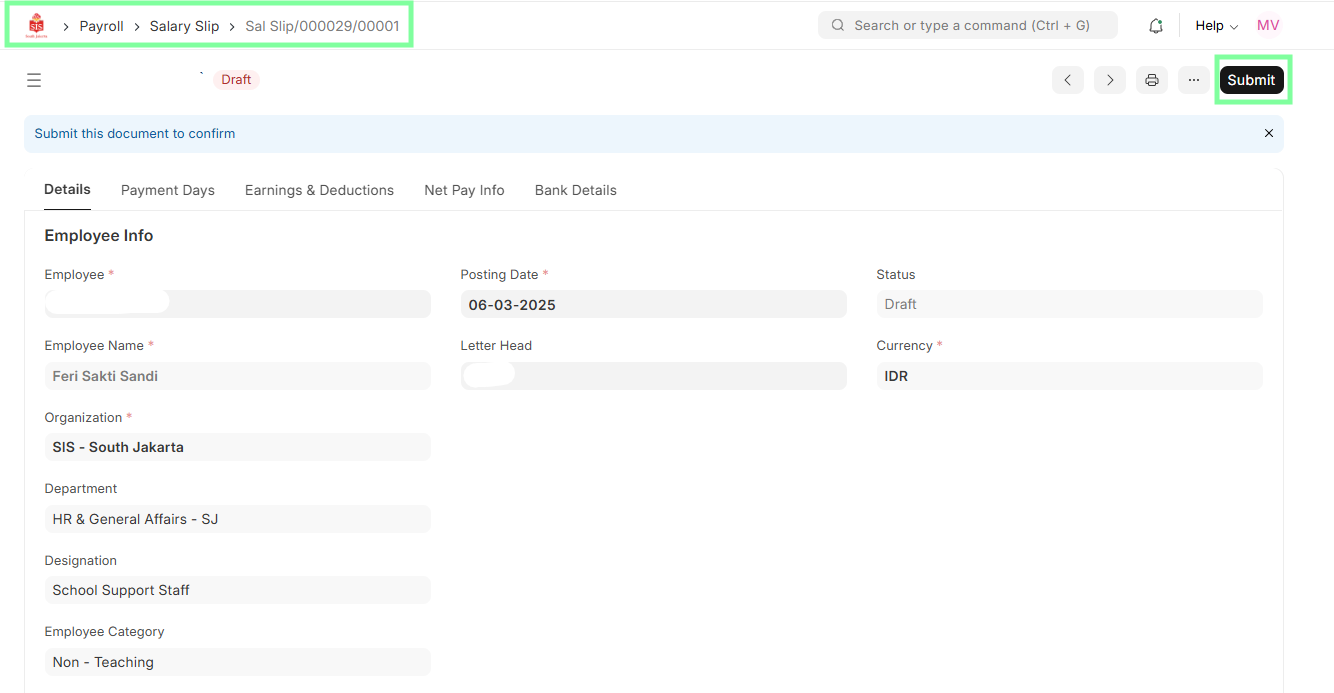
HR - Salary Slip Creation & Updating
Executed by
HR Specialist
Processes trigerred from
- Payroll
Navigation
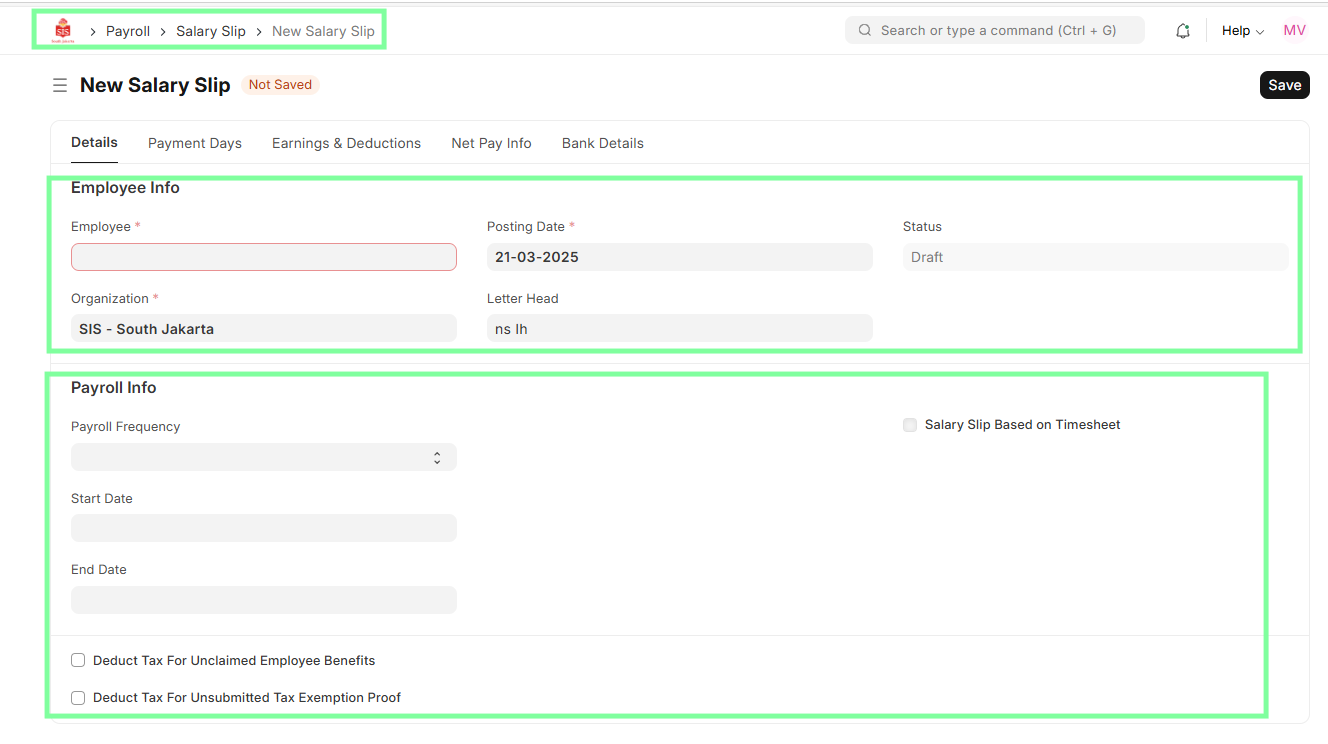
Home > Payroll > Salary Slip
Steps
Navigate to Payroll module and select Payroll Entry.
Click "Generate Salary Slips" for the processed payroll entry, this will submit the Payroll Entry.
Salary slips will be created for each employee in the DocType Salary Slip as per the salary structure assigned to the respective employee.
Review salary details for all employees and add/remove lines for each employee as per required earnings or deductions.
HR Specialist also updates the Tax allowance (PPh 21) in the components in Salary structure here.
Save and submit salary slips for approval.