ED-Student Attendance Marking (Subject Class)
Executed by
Teacher
Processes trigerred from
Navigation
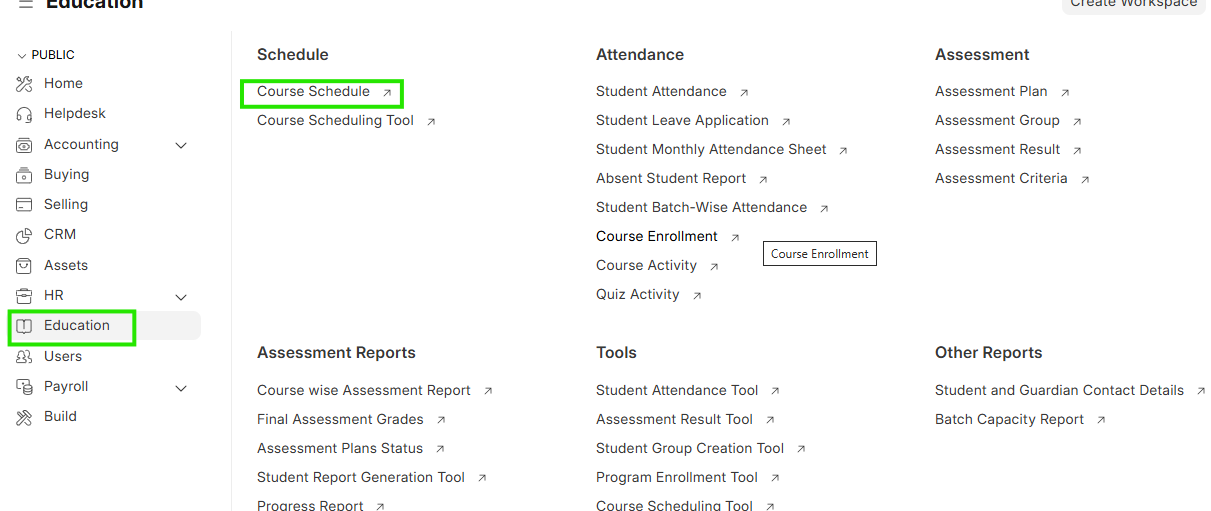
Navigation:Education > Course schedule > Mark Attendance
Steps
Student Attendance Marking (Subject Class)
- Select Education and Select Course Schedule
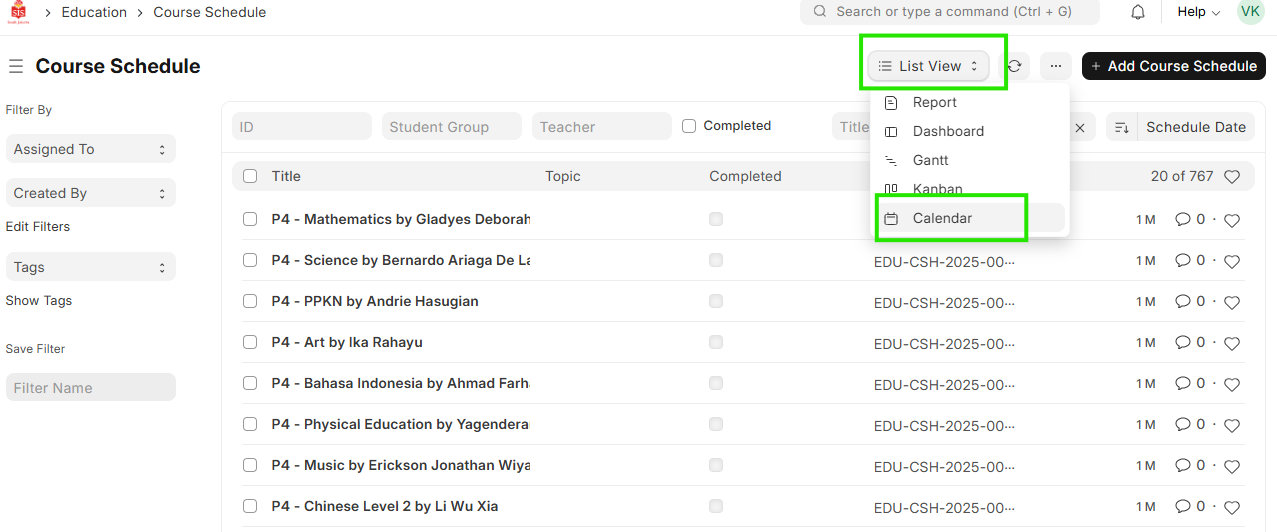
 2. Click on List view and move to Calendar View
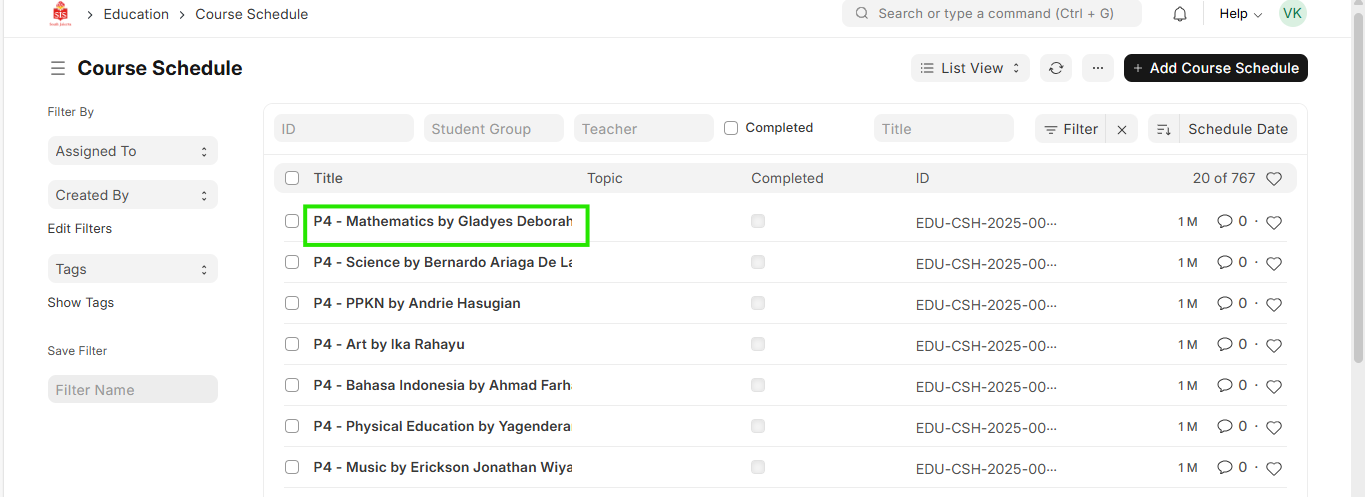
 3. For Group based on field, select Course
 4. For Student Group field select the form class name
5. For Date field, select the date of attendance
4. For Student Group field select the form class name
5. For Date field, select the date of attendance
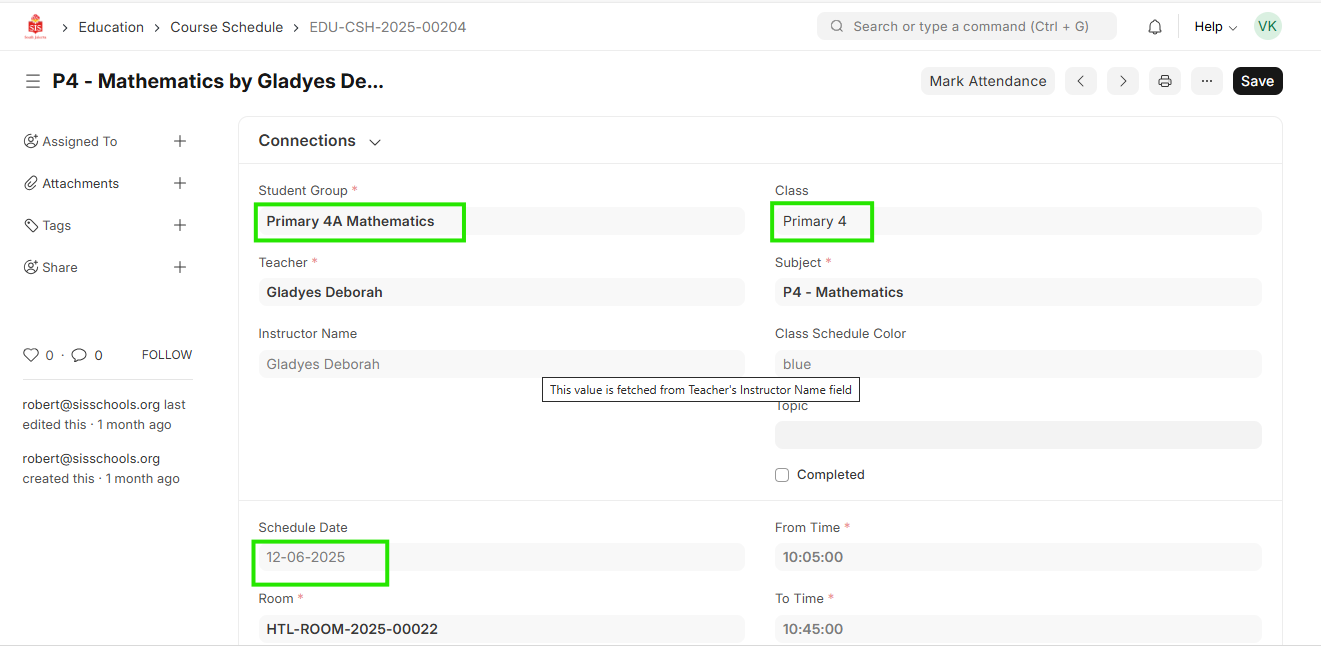 6. The student list will populate
7. Select the check boxes against the students that are to be marked present
8. Click on Mark Attendance
9. If confirmed, click on Yes
6. The student list will populate
7. Select the check boxes against the students that are to be marked present
8. Click on Mark Attendance
9. If confirmed, click on Yes