SL-Deposit on Fee (Advance Payment)
Executed by
Marketing Executive
Processes trigerred from
Student Admission - New student "(Variant)""
Navigation
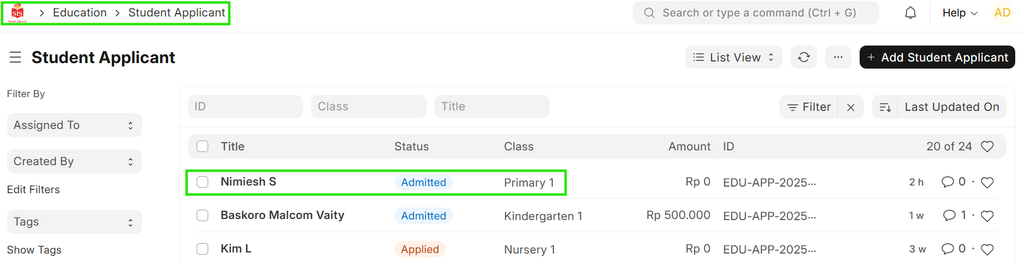
Navigation: Home>Education> Student Applicant
Steps
- Select "Deposit Pending": Choose "Deposit Pending" under the billing status.
- Enter Deposit Amount:
 i) An amount & Due Date field will appear based on the deposit pending status.
ii) Enter the deposit pending amount & Due Date.
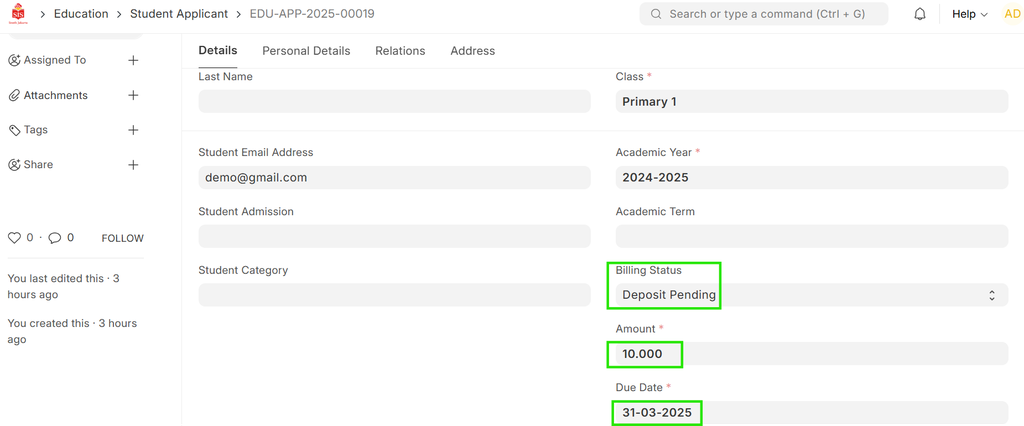
Save the Information: After entering the amount & Due Date, save the information.
The next step is to either "Approve" or "Reject."
Notification to Finance Team: A notification will be sent to the finance team to alert them about the pending student deposit, prompting them to take the necessary follow-up actions.
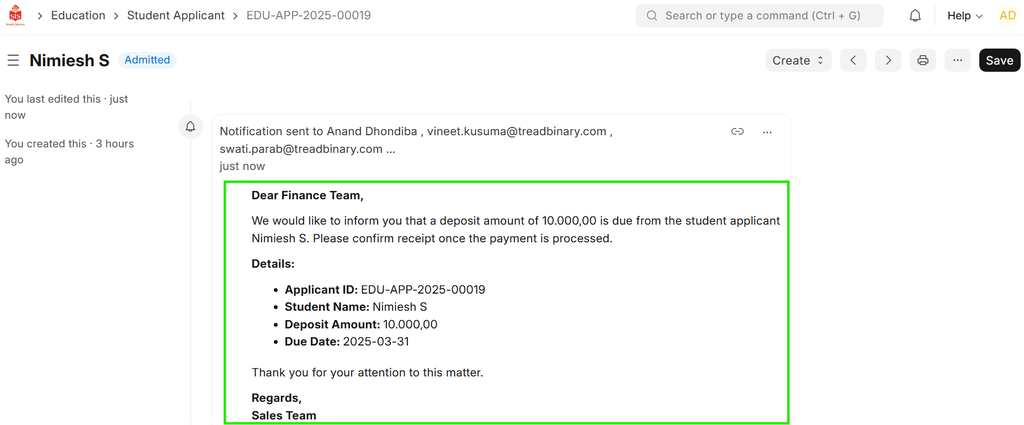 7. Once the details are entered, click Save.