ED-Teacher mapping to subjects
Executed by
Registrar
Processes trigerred from
Navigation
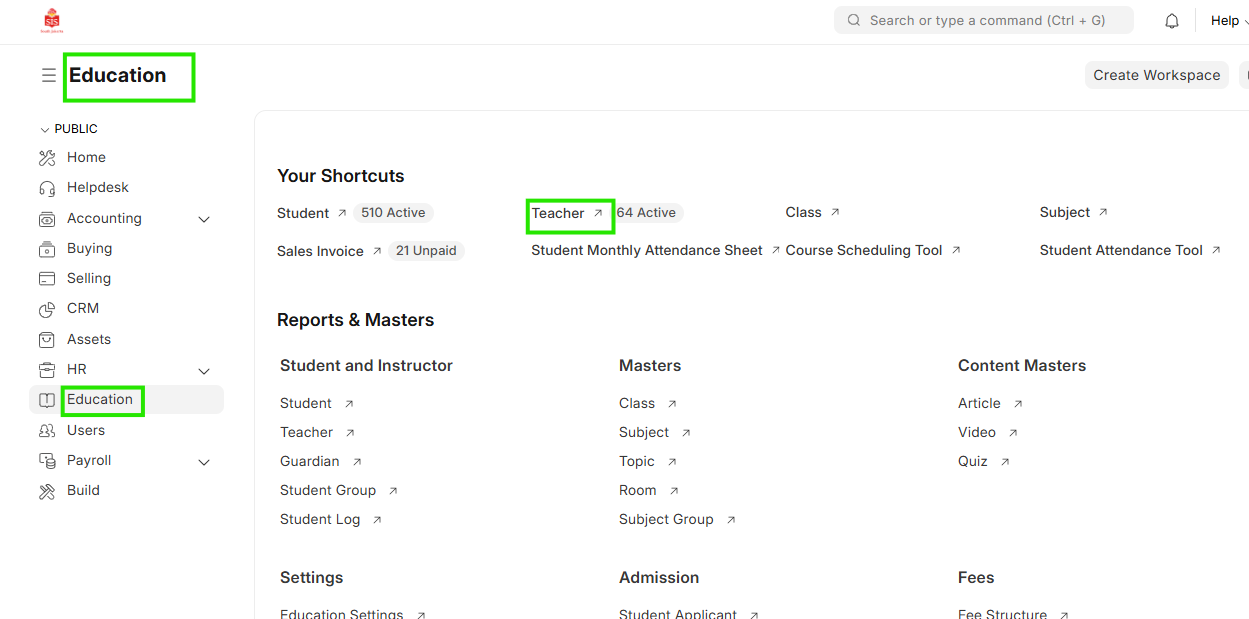
Navigation:Education > Teacher
Steps
Teacher mapping to subjects
- Select Education module and click on Teacher
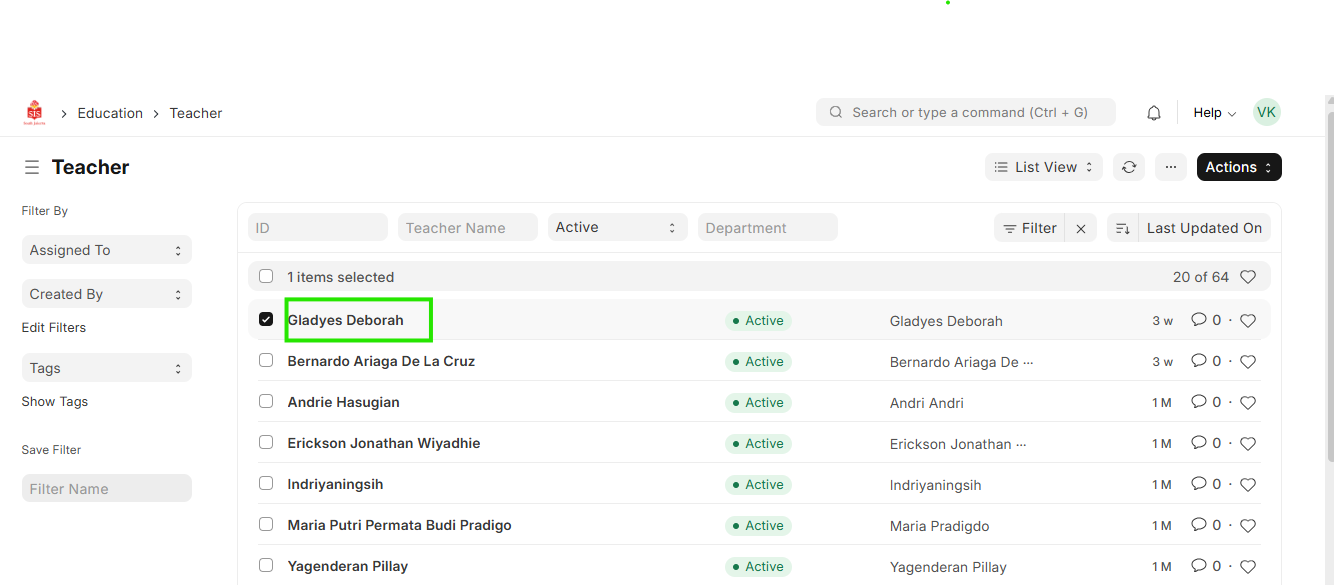
 2. In the teacher list displayed, select the name of the teacher for whom the mapping needs to be done
 3. Within the table named Teacher Log, click on Add row and select the academic year, class and subject that is applicable to the respective instructor
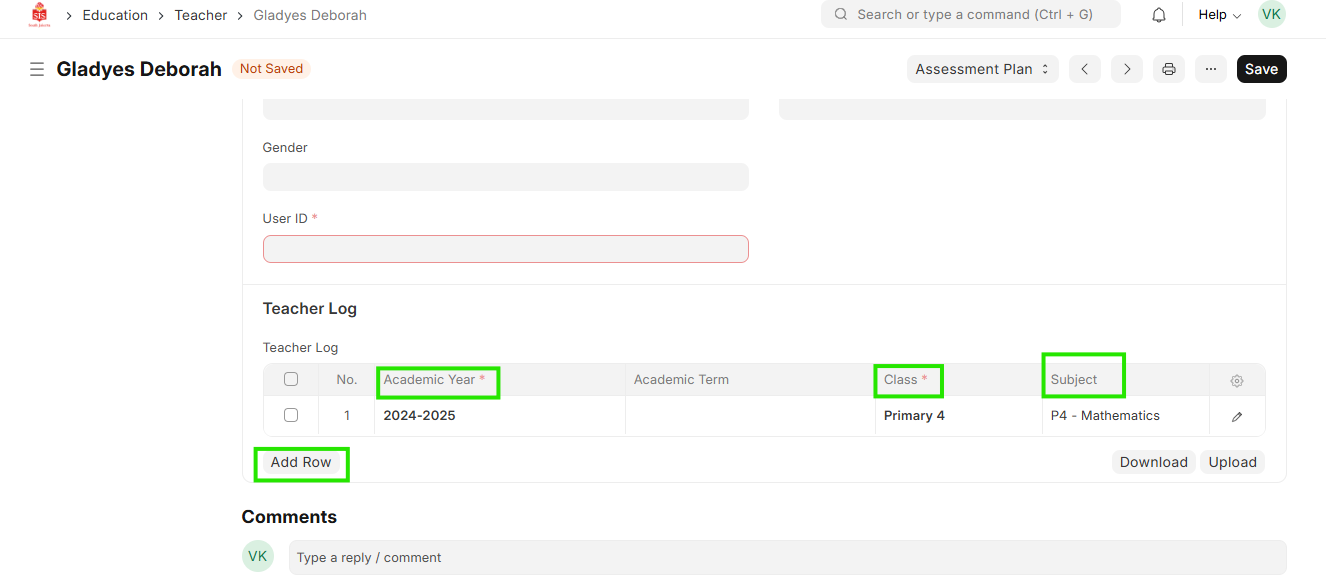 4. Click on Save