ED- Comments Entry and IDP Details for Progress Report
Executed by
Teacher
Processes trigerred from
Navigation
Steps
Comments Entry and IDP Details for Progress Report
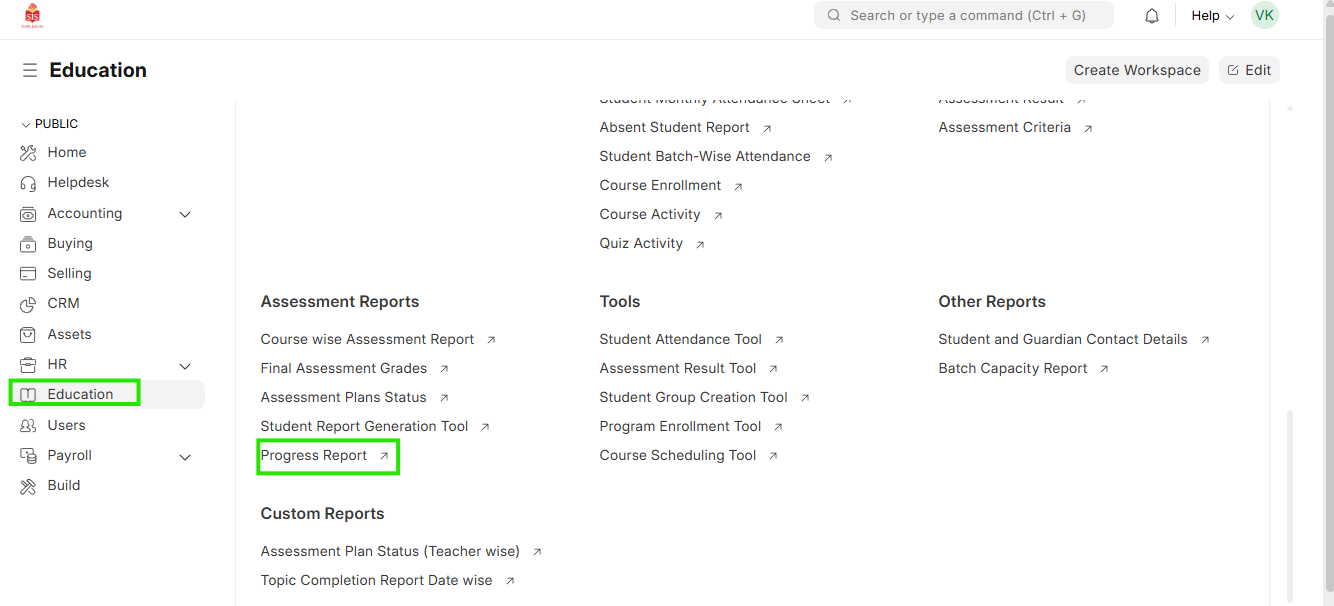
- Select Education module and select Progress Report
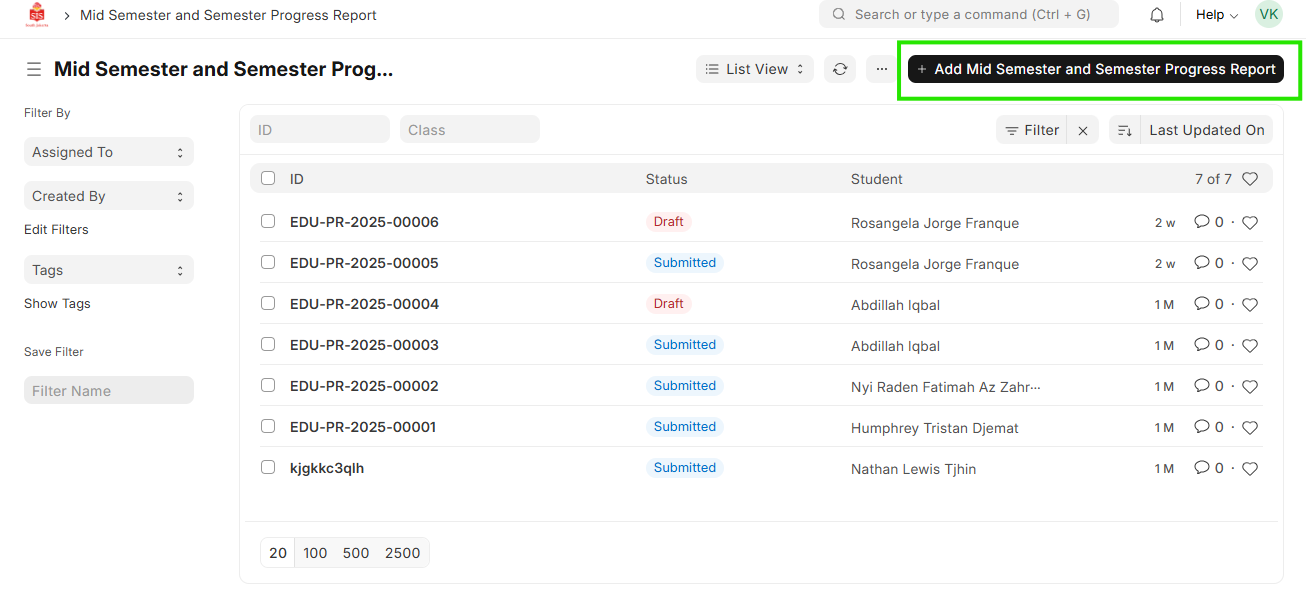
 2. Click on Add Progress Report
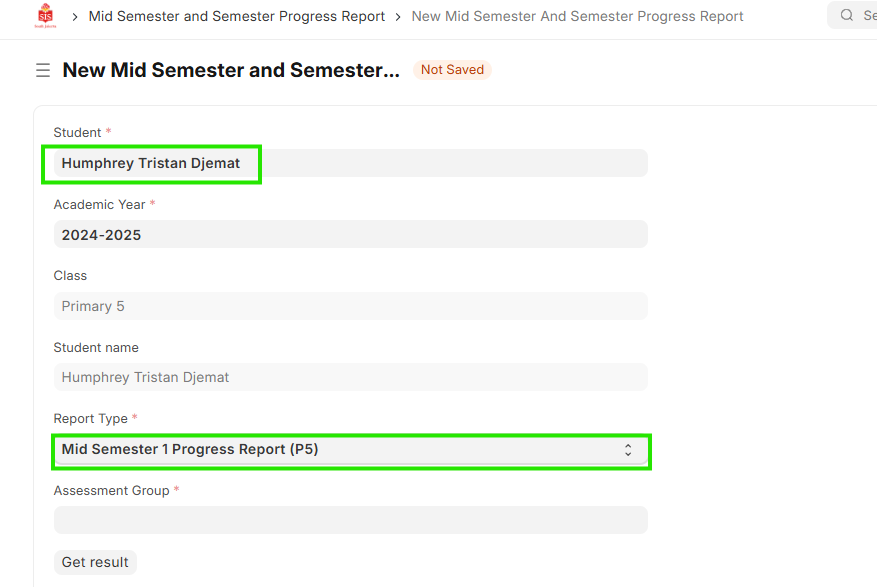
 3. Enter the name of the student and type of report to be generated
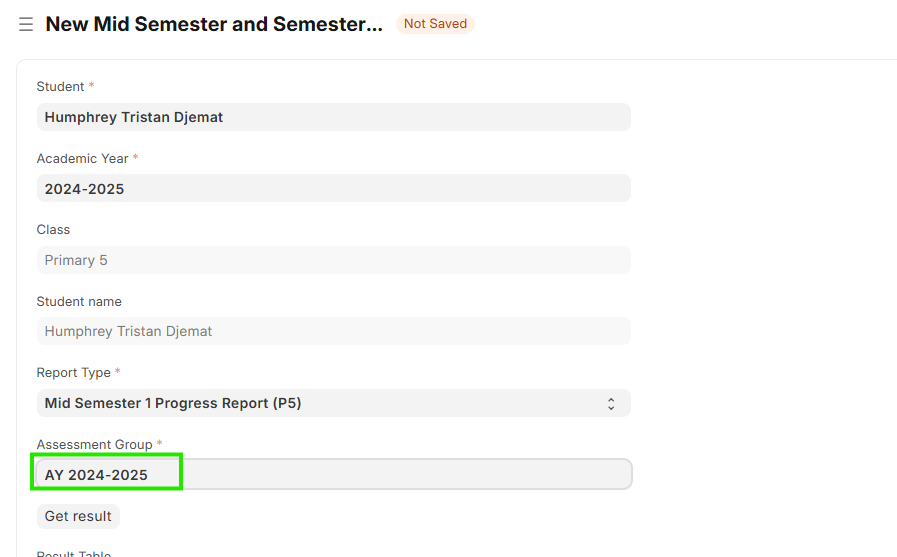
 4. Select assessment group for the respective academic year
 5. Click on Get Result
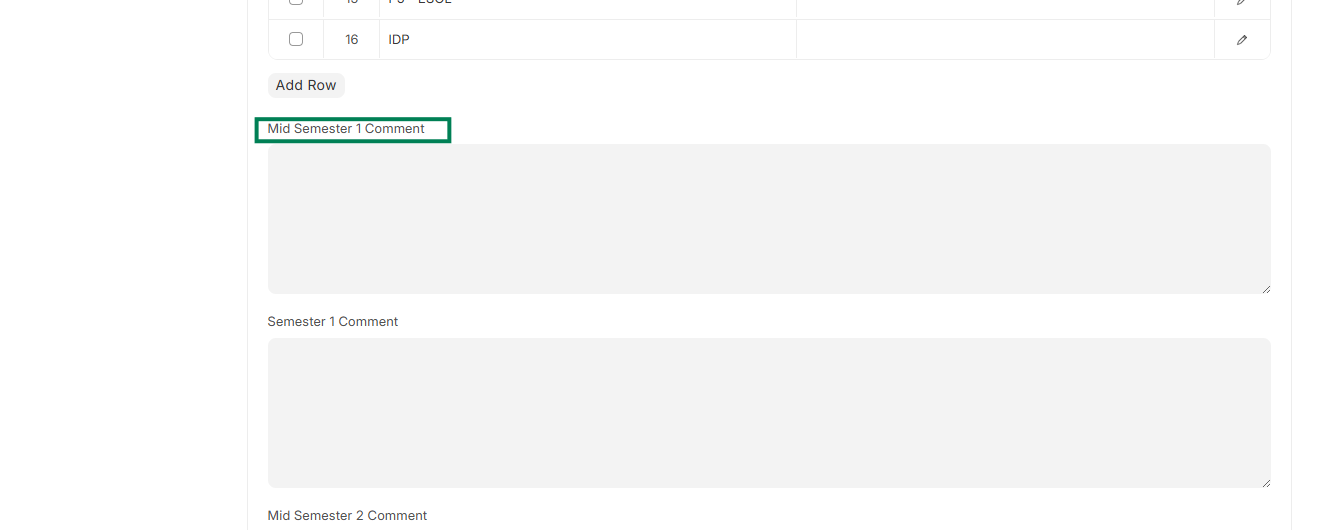
6. Once the result is generated, enter the comments against the respective header and detail
5. Click on Get Result
6. Once the result is generated, enter the comments against the respective header and detail
 7. Click on Save