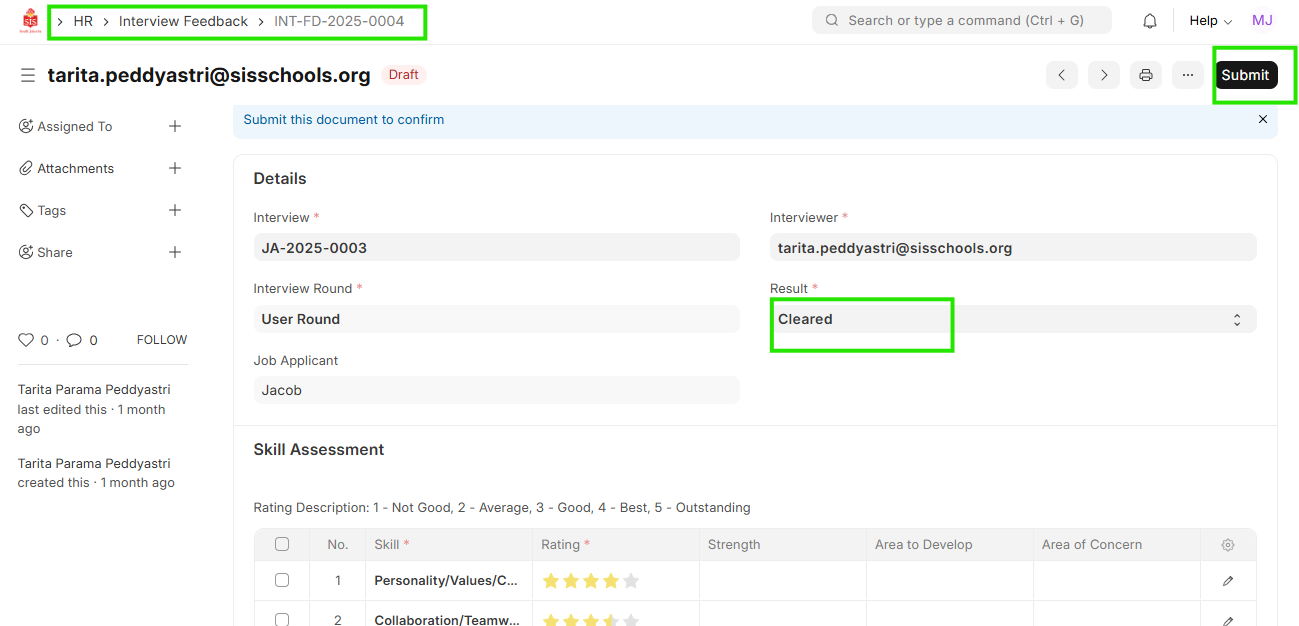
HR-Interview Feedback Creation
Executed by
Interviewer
Processes trigerred from
Recruitment
Navigation
Navigation: Home > Select HR Module > Select Recruitment > Select Interview Feedback
Steps
- Click ""Add Interview feedback""

- Select ""Interview"", ""Interviewer"", ""Interview Round""
- Enter ""Rating"" as per the skill.
- Enter ""Feedback"" for the Job Applicant.
- Select "" Result"" for the Interview Feedback
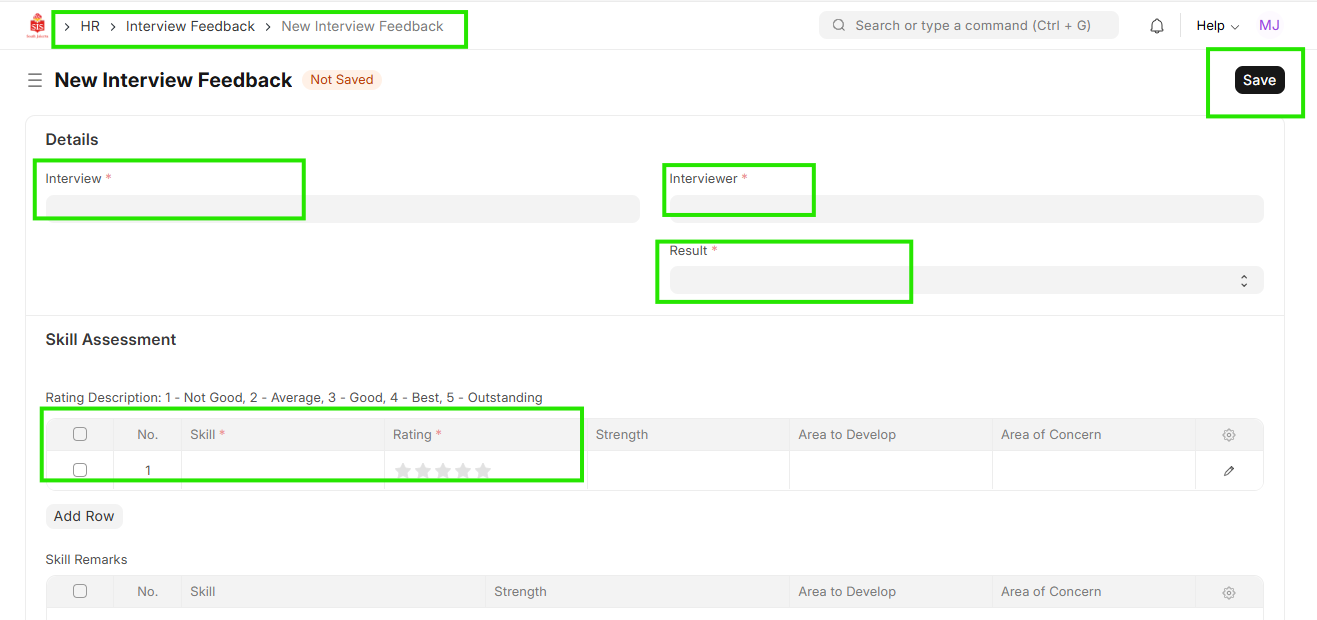
- Save & Submit