HR-Employee On-Boarding Creation
Executed by
General Administrator
OR
HR Manager
Processes trigerred from
1 On-Boarding - Non-Teaching Staff (Varient)
2 Training & Development - (Mandatory Training)
Navigation
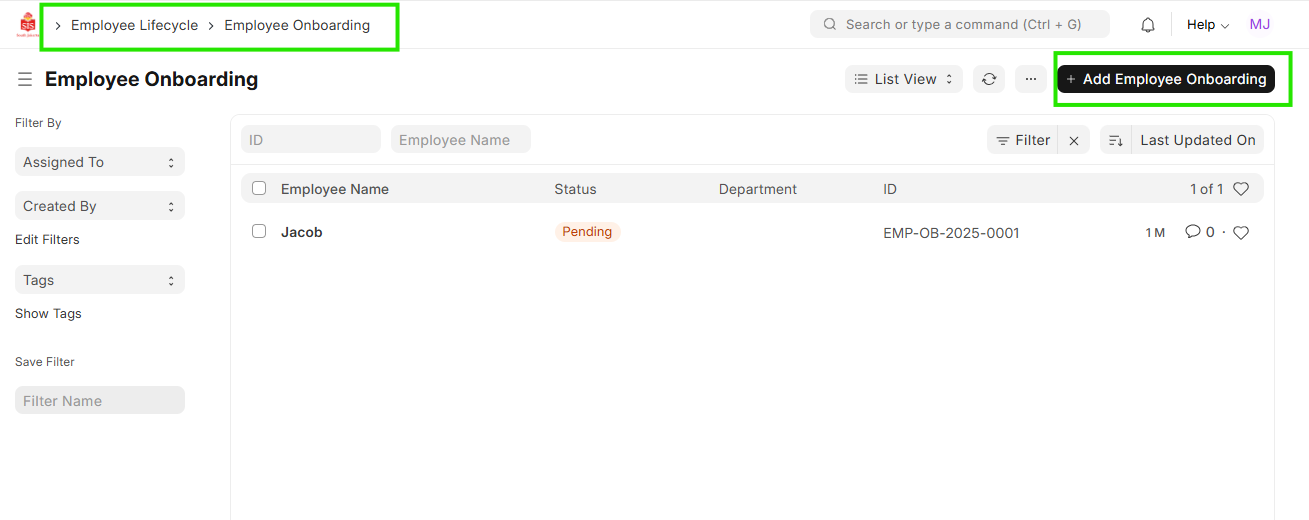
Navigation: Home > Select HR Module > Select Employee Lifecycle > Employee Onboarding
Steps
- Click on ""Add Employee Onboarding""
Select the Job Applicant for whom the on-boarding needs to be created.
Select the ""Employee Onboarding Template""
Fill the other details in the employee details
Assign the user to the different activity as per the on-boarding checklist, check the box if not applicable.

- Save