ED-Correction in Program Enrollment after submission
Executed by
Registrar
Processes trigerred from
Navigation
Navigation:Education > Student Group
Steps
Correction in Program Enrollment after submission
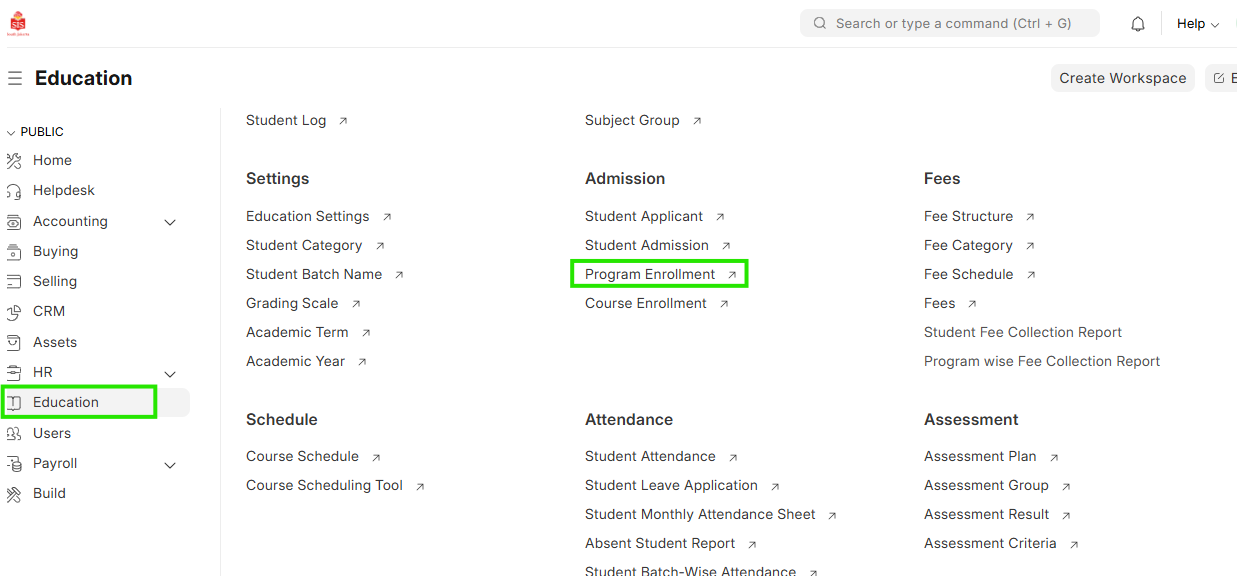
- Select Education module and click on Program Enrollment
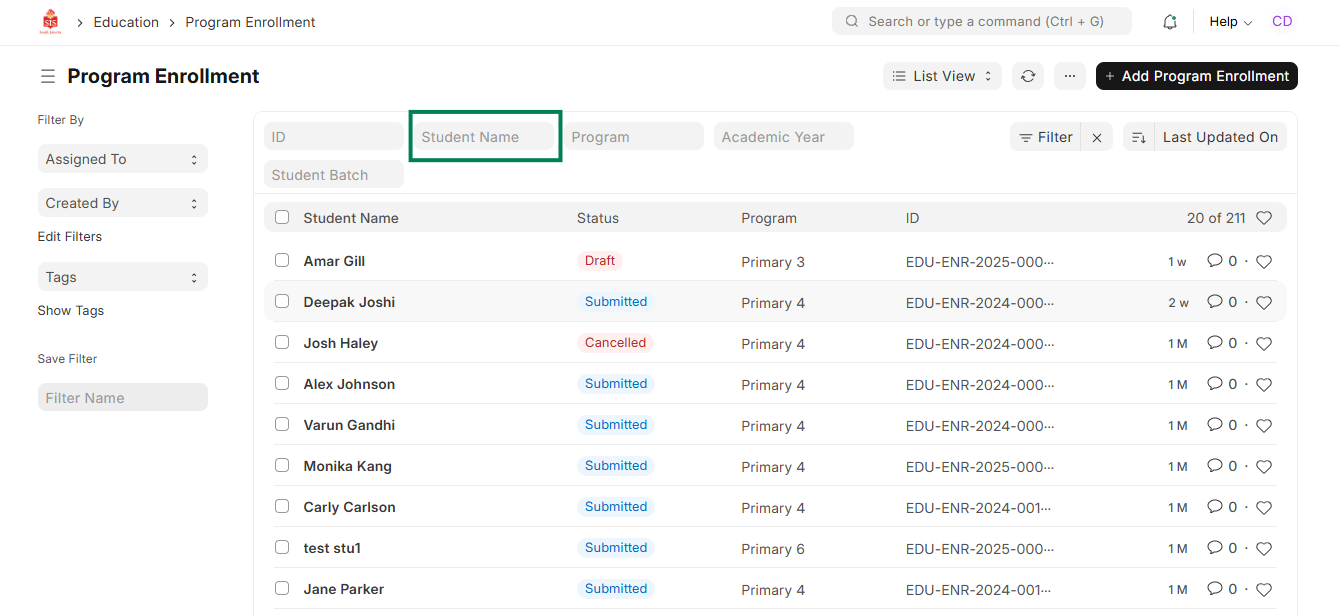
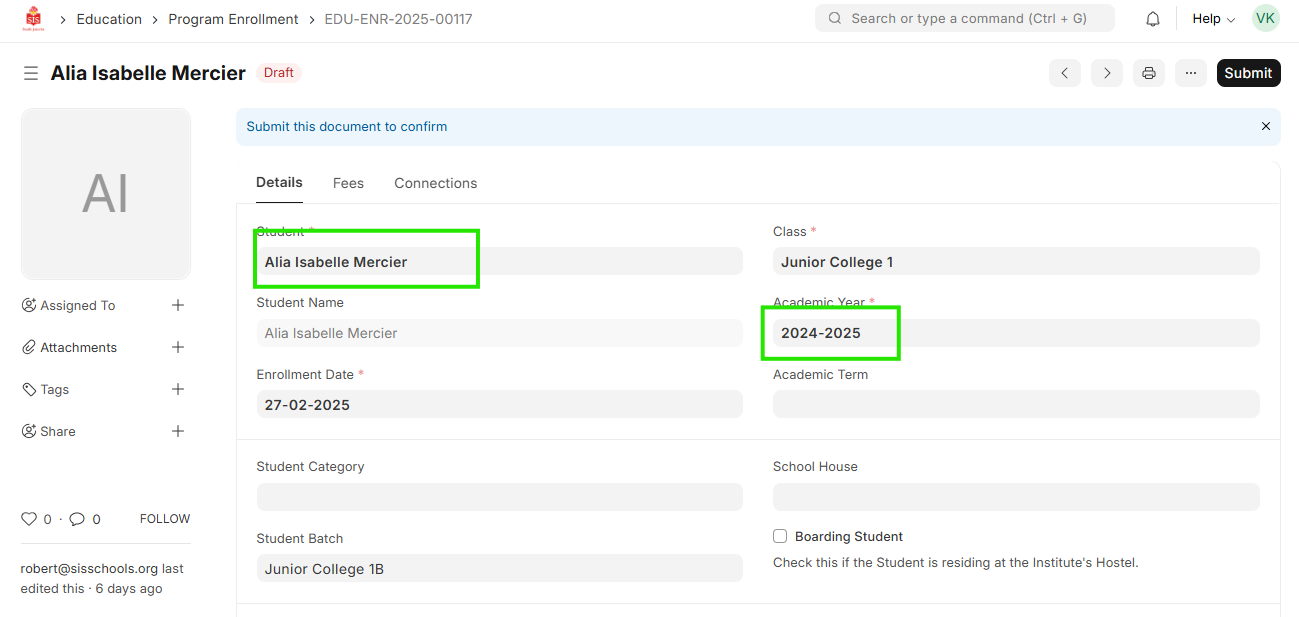
 2. Type the name of the student provided in the filters updated above. Verify the name of the student and the academic year for which you need to make the changes and then click on the student name for making the changes
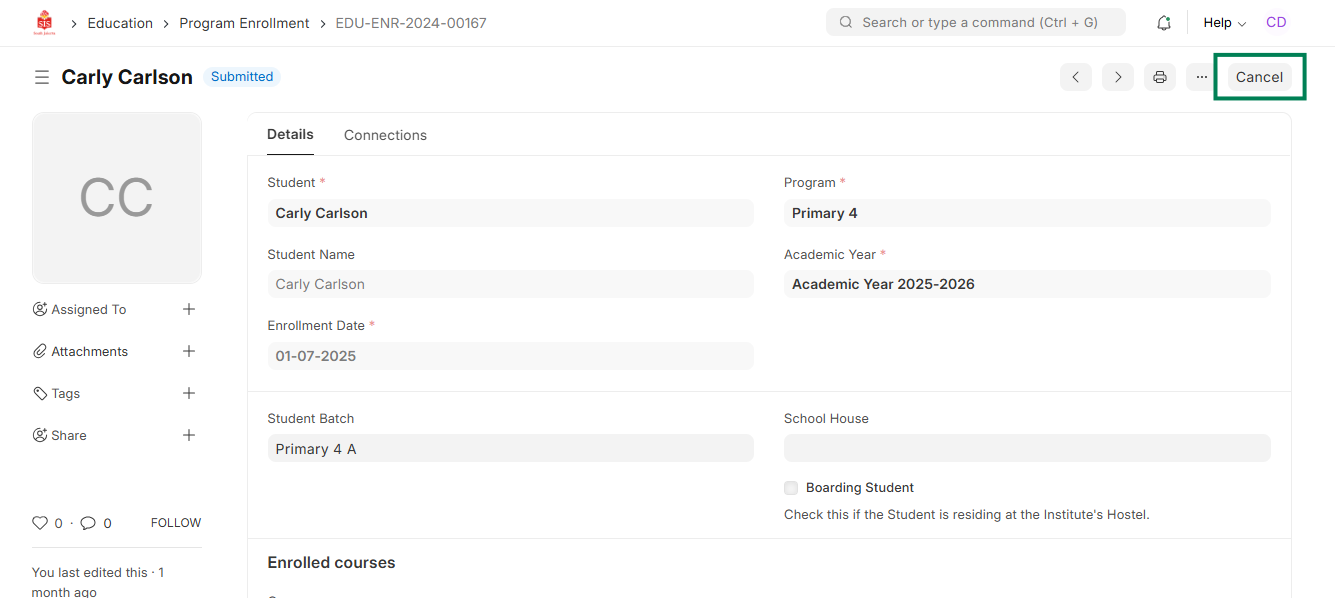
 3. Click on Cancel and then click Amend. The entry should re-open for editing
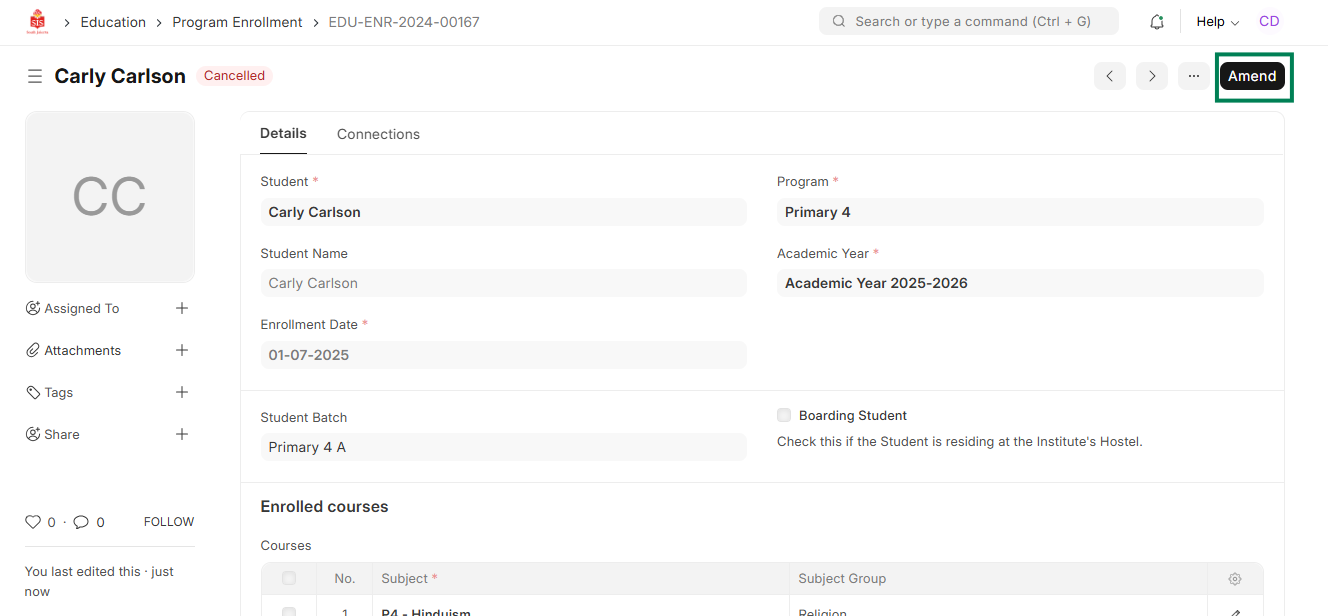
- Update the entries, click on Save
5. Cross check and click on Submit (Please note - Student ID will change on updating the student details)