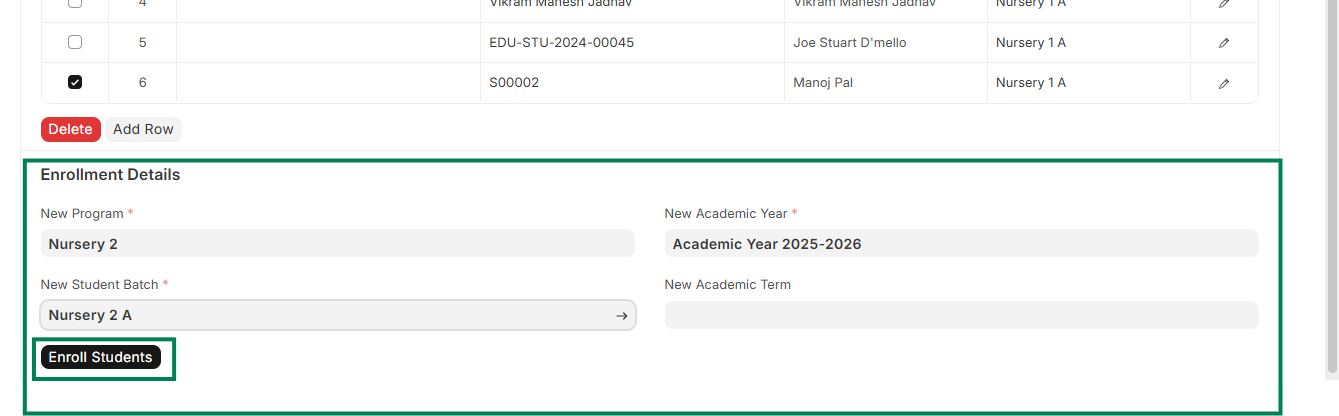
ED-Program Enrollment Creation for existing students
Executed by
Registrar (TBC)
Processes triggered from
- Student Admission - Existing Student "(Variant)"
Navigation
Home > Education Module > Program Enrollment Tool
Steps
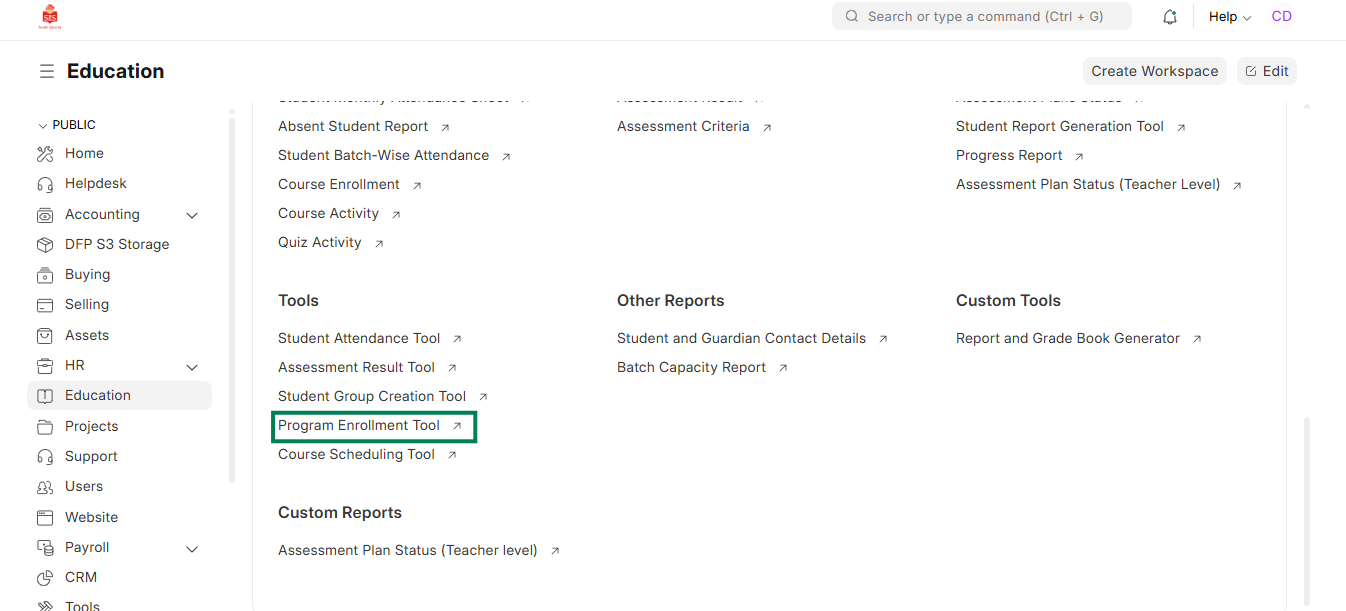
- Navigate to the Program Enrollment Tool.
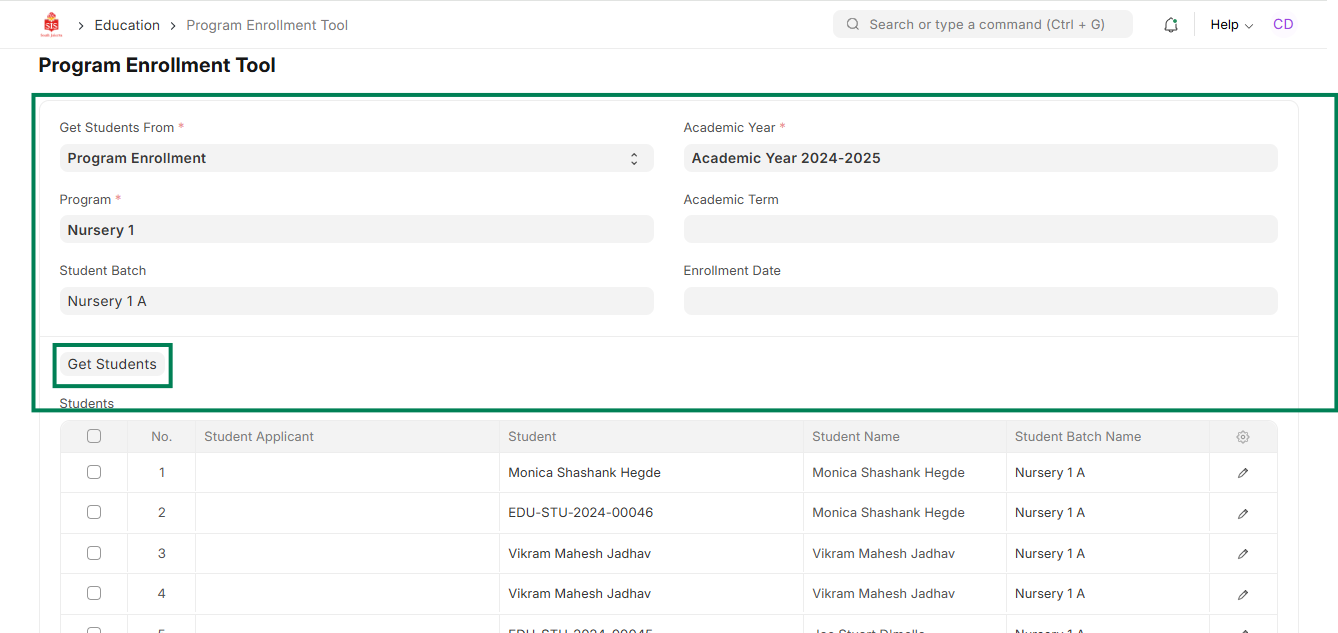
Select the relevant student and program details and click on Get students.
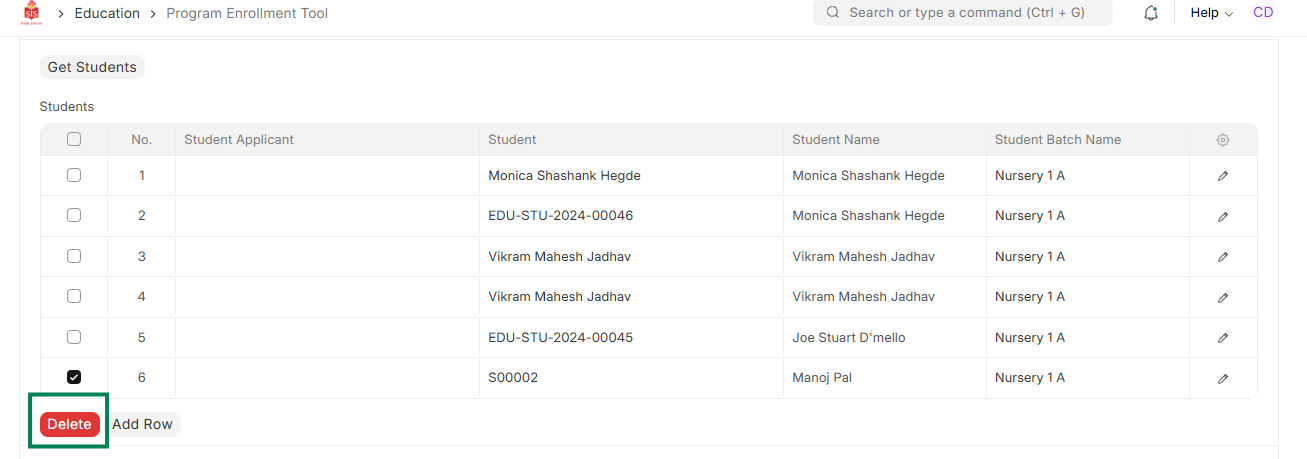
 3. Select and delete the students that are not going to be enrolled for the next academic year
 4. Select the new academic year, class and batch for the enrollment and click on Enroll Students