FI- Fee Schedule Creation & Submission
Executed by
Accounts Executive - Receivable
Processes trigerred from
Existing Student -"(Variant)"
Navigation
Home > Education > Fee Structure > Fee Schedule Creation
Steps
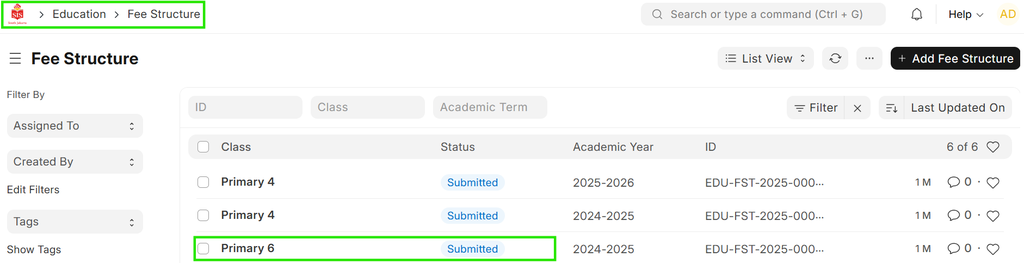
- Open the relevant fee structure from the available list.
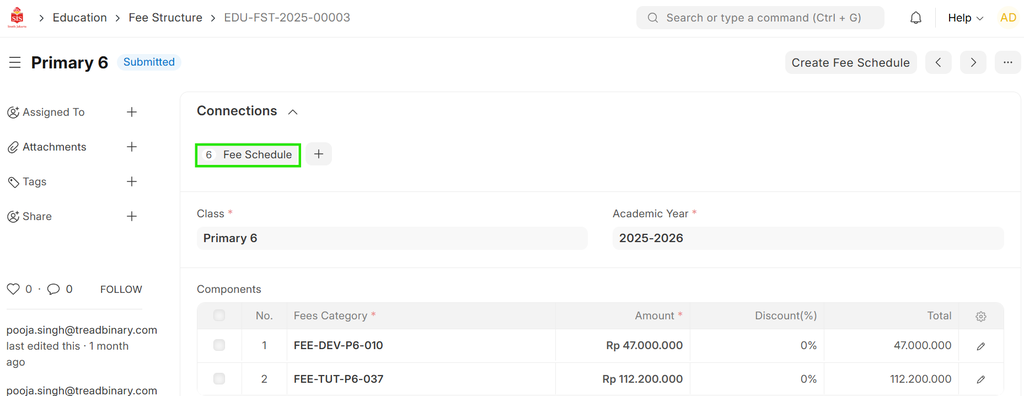
- Click on the "Fee Schedule" button and fill in the required details.
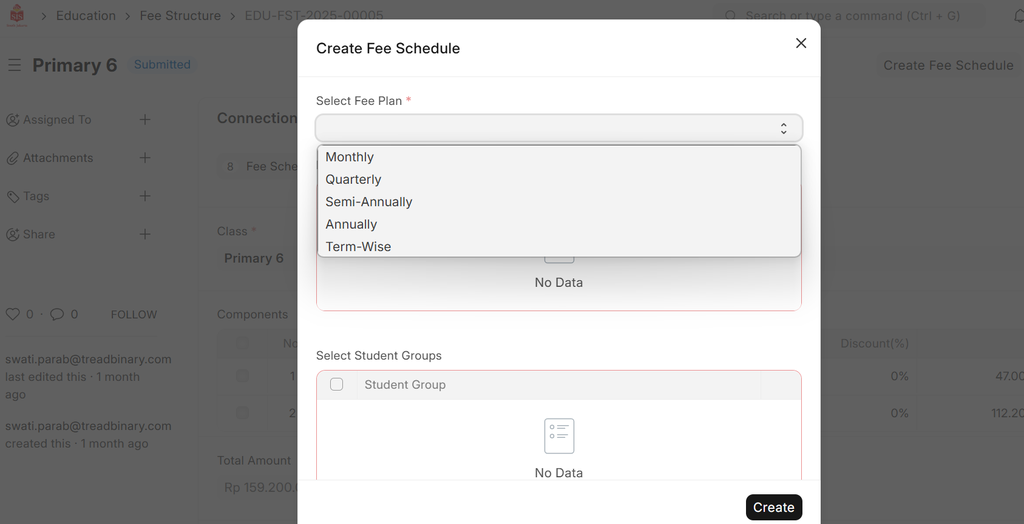
- Select the Fee Plan (Monthly, Quarterly, etc.). The system will auto-distribute the amounts.
- Choose the Student Group and click "Create" to generate the fee schedule entries.
- In the "Connection" tab, view the count of created fee schedules.
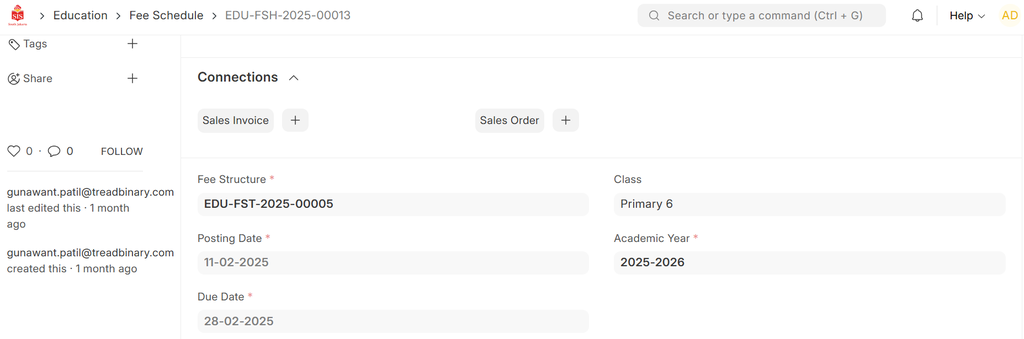
- Click "Fetch Student" to display the student list.
- Save & Submit.
- Select the students for the sales invoice and remove any unwanted students from list.
- Click on "Create Sales Invoice" button to generate sales Invoices at draft.