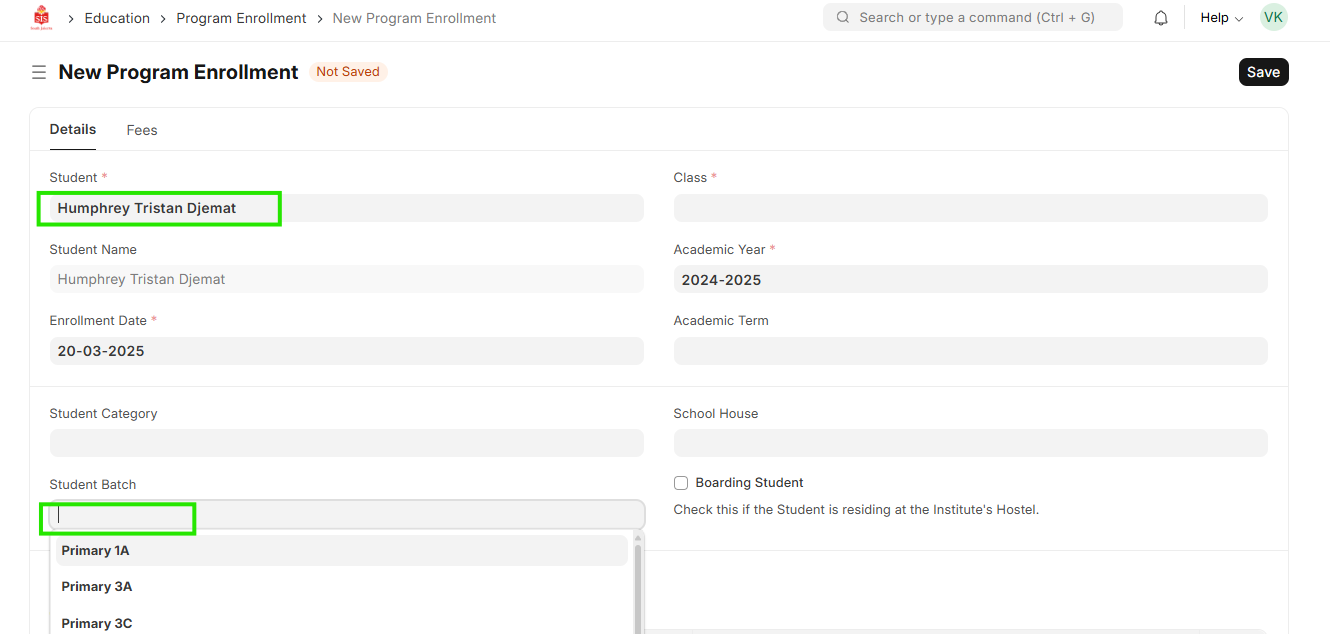
ED-Updating student in student group (batch / division update)
Executed by
Registrar
Processes trigerred from
Navigation
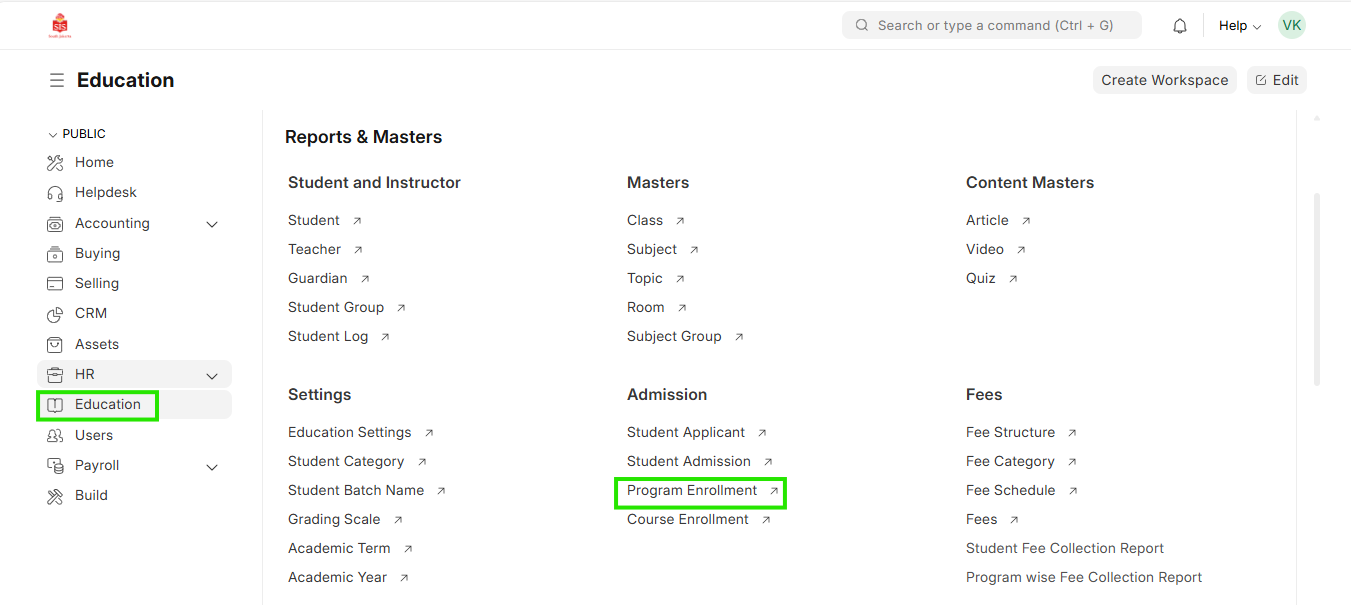
Navigation:Education > Program Enrollment
Steps
Updating student in student group (batch / division update)
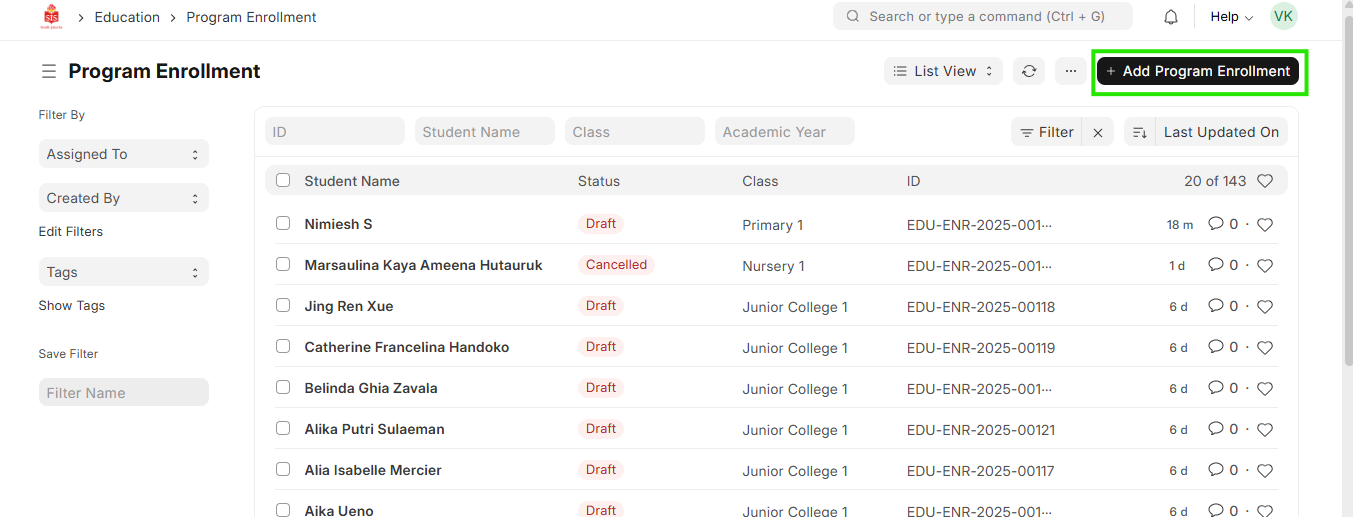
- Select education module and select Program Enrollment. Search for the student name to be added in the group
 2. Click on the name of the student which will open the details
 3. Check the Student batch name field if the desired division has been updated