SL- Academic Fees Sales Invoice Creation
Executed by
Marketing Executive
Processes trigerred from
Student Admission - New student "(Variant)""
Navigation
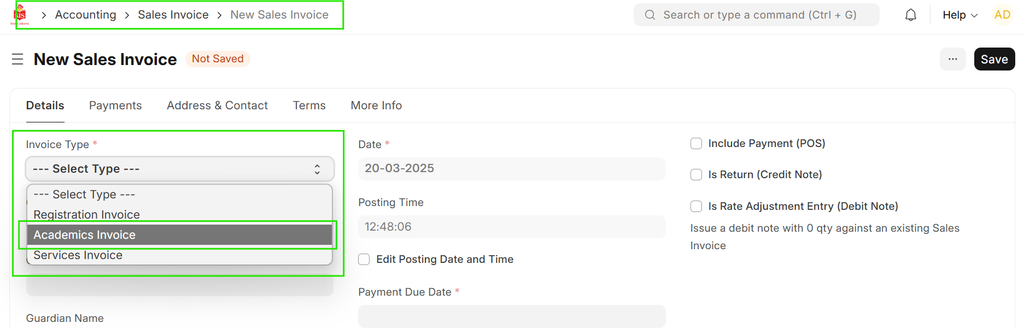
Home > Education>Student Applicant>Create Sales Invoice
OR
Home > Selling > Sales Invoice
Steps
- Select the invoice type as "Academics Invoice" and choose the student.
- The unit price will automatically populate from the price list once the "Development & Tuition fees" item is selected.
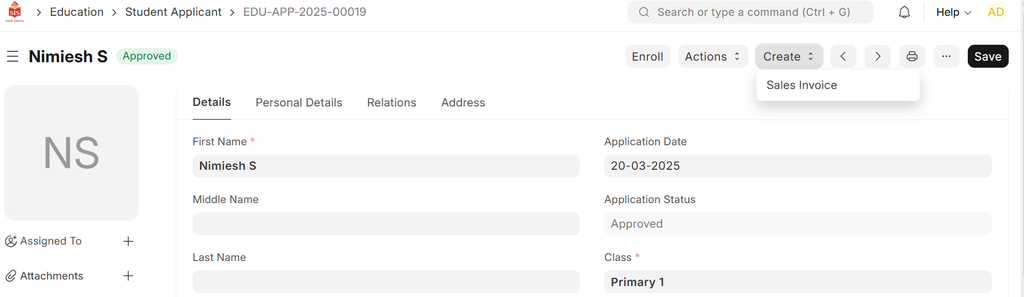
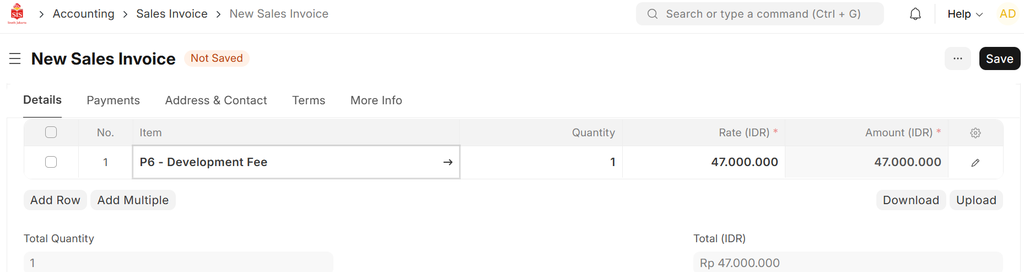 3. Save the invoice as a draft, then the finance team will review and submit it.
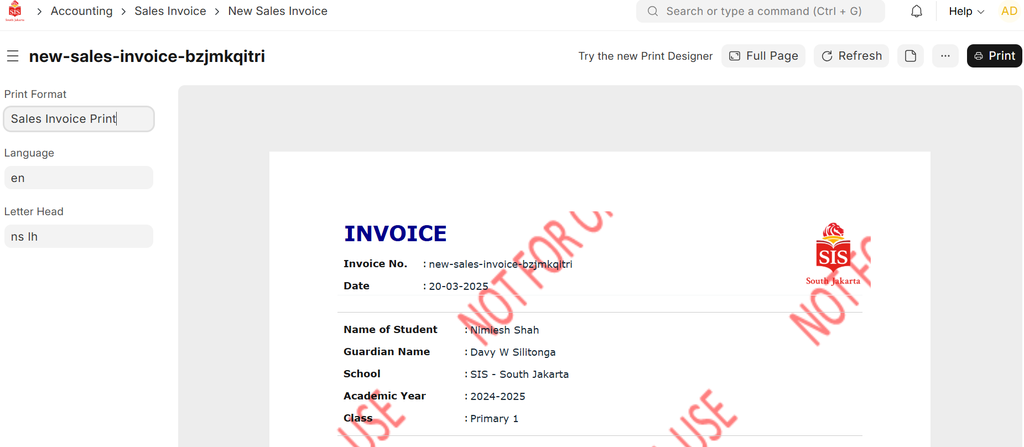
- Print.
 Or
Or
In case of Discounts: Steps:
- Select the invoice type as "Academics Invoice" and choose the student.
- The unit price will automatically populate from the price list once the "Development & Tuition fees" item is selected.
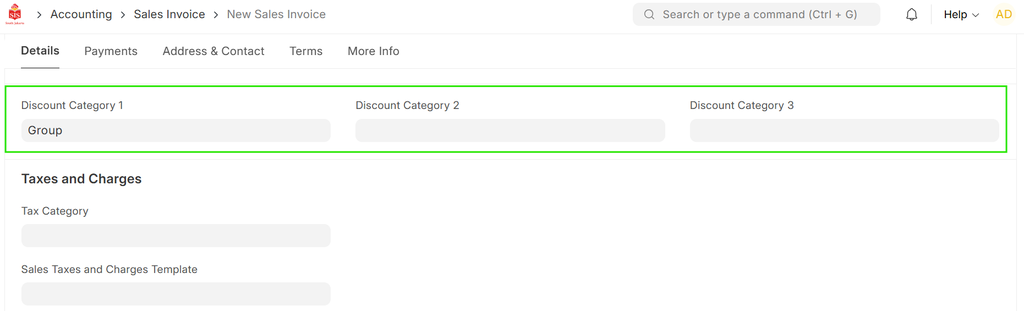
 3. If applicable, choose the appropriate discount category.
4. The "Discount (%)" field will be automatically updated based on the selected discount category and applicable percentage.
3. If applicable, choose the appropriate discount category.
4. The "Discount (%)" field will be automatically updated based on the selected discount category and applicable percentage.
 5. The system will automatically calculate the discount amounts according to the percentage.
If the payment plan is Annual, set the due date for the full payment.
Once the academic fees sales invoice is saved as a draft, the finance team will review and submit it.