SL- Student Enrollment for the Academic Year
Executed by
Registrar
Processes trigerred from
Student Admission - New student "(Variant)""
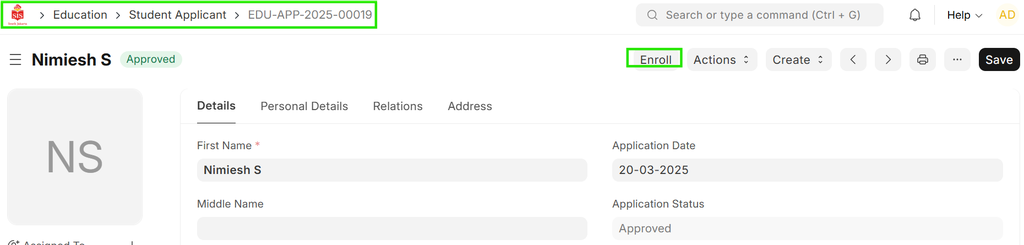
Navigation
Home>Education>Student Applicant>click on Enroll button
Steps
- Student Application Approved: Once the student application is approved, the "Enroll" button will appear.
Click on "Enroll":
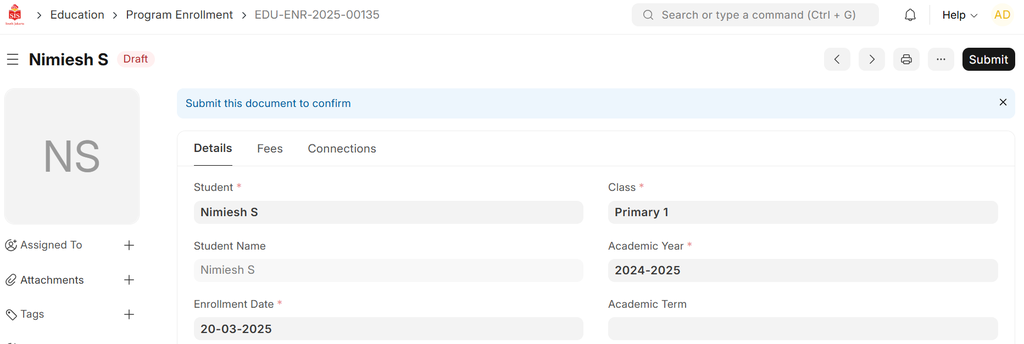
i) Clicking on the "Enroll" button will redirect you to the Program Enrollment form.
ii) The form will automatically populate with the applicant's details.
- Program Enrollment: The Program Enrollment form will be saved as a draft.