ED- Create Student Group (based on batch)
Executed by
Registrar
Processes trigerred from
Navigation
Navigation:Education > Student Group
Steps
Create Student Group (based on batch)
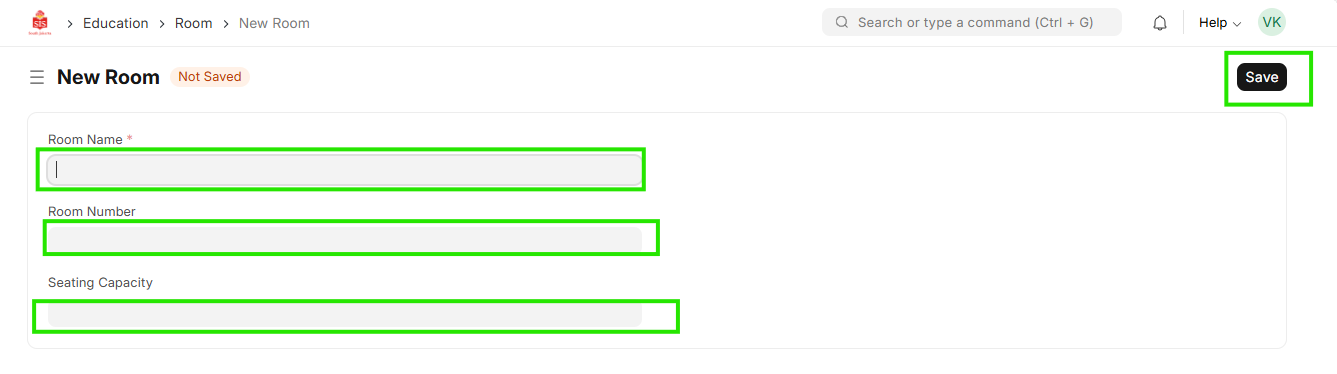
- Select Education module and select Student Group
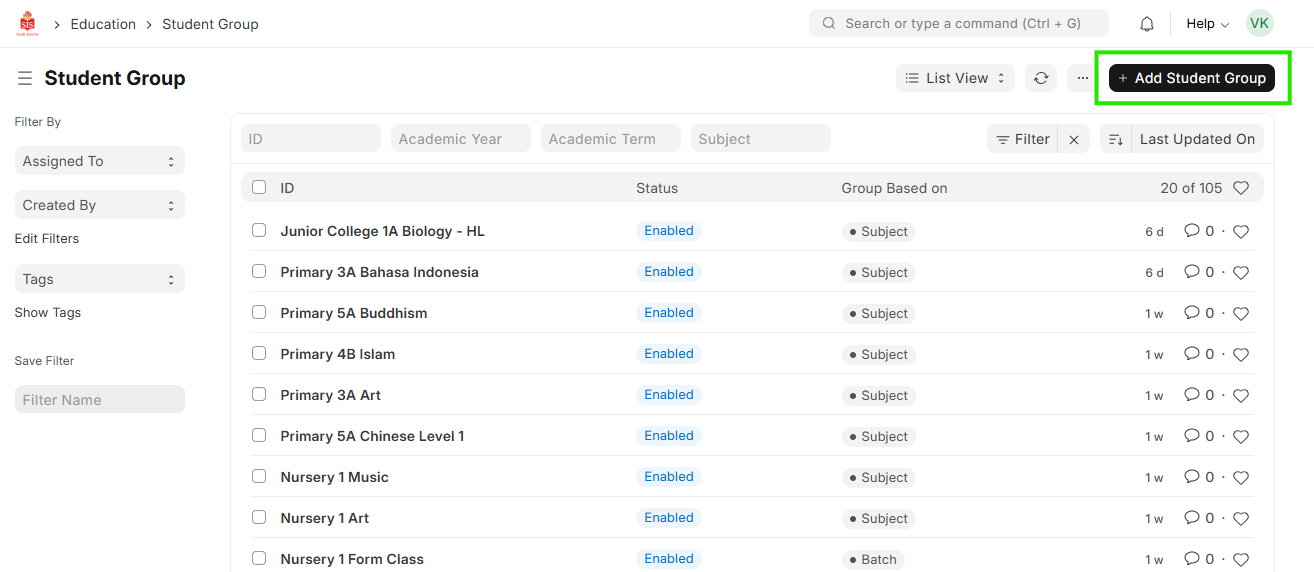
 2. Click on Add Student Group
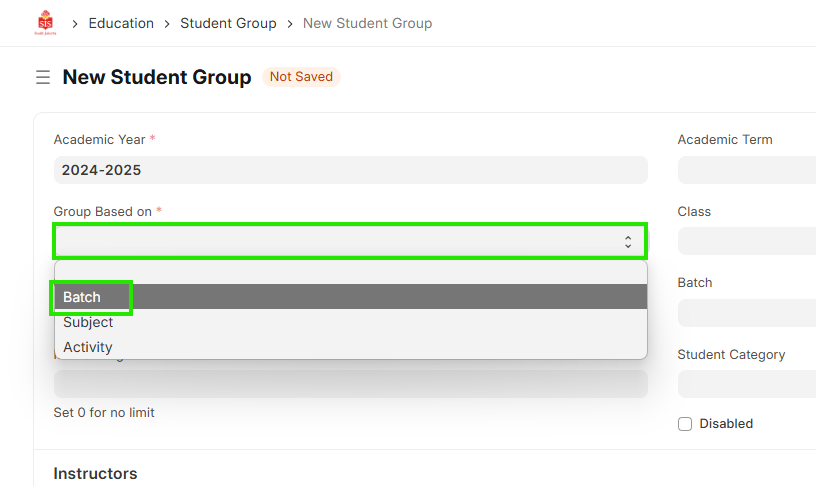
 3. For Form Class, select Group based on field as batch
 4. Select Program applicable
5. Select Batch
6. Add name of Student Group
7. Add maximum strength (if applicable)
4. Select Program applicable
5. Select Batch
6. Add name of Student Group
7. Add maximum strength (if applicable)
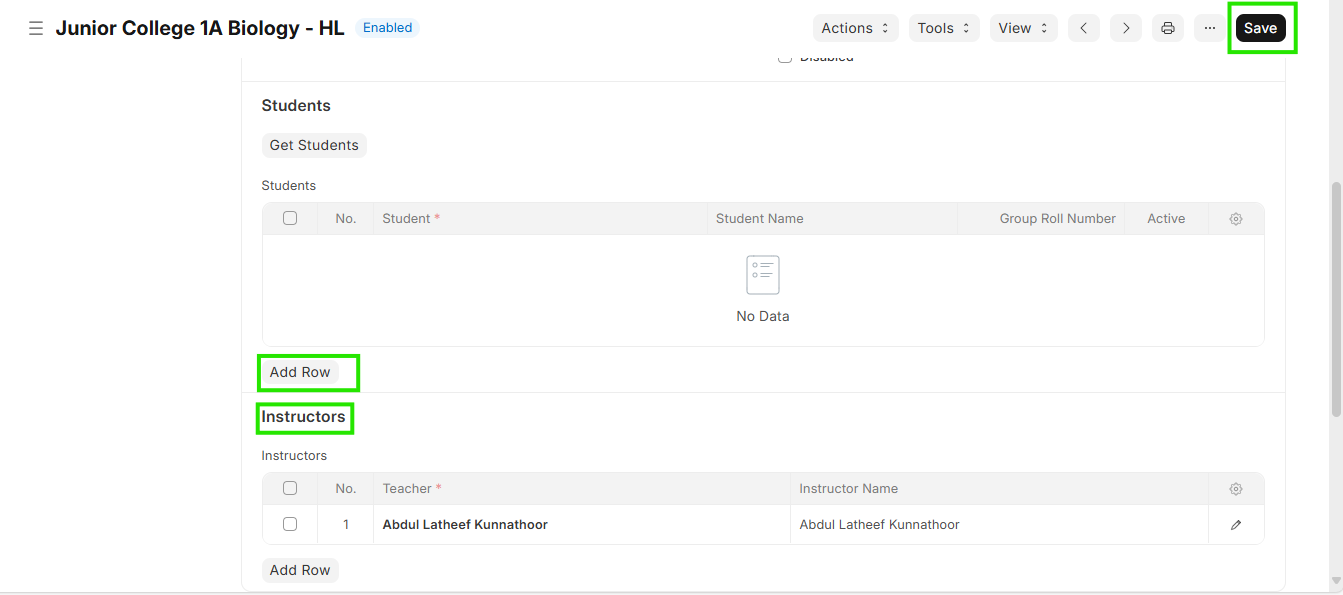
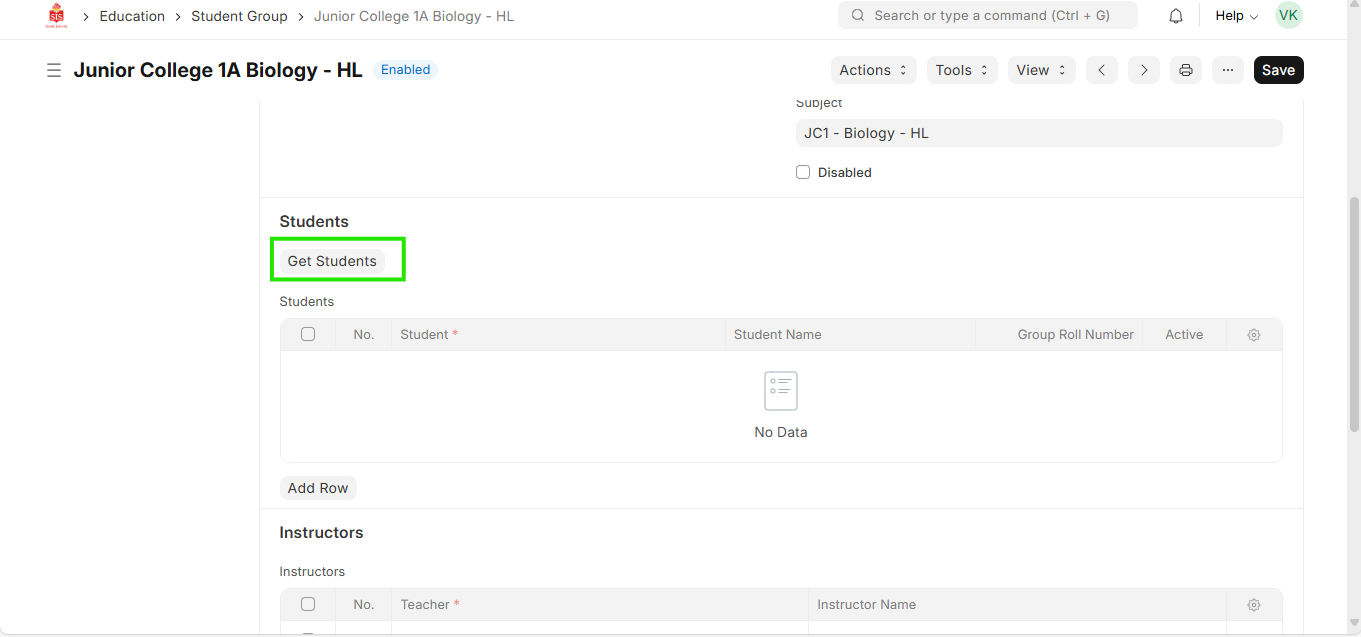
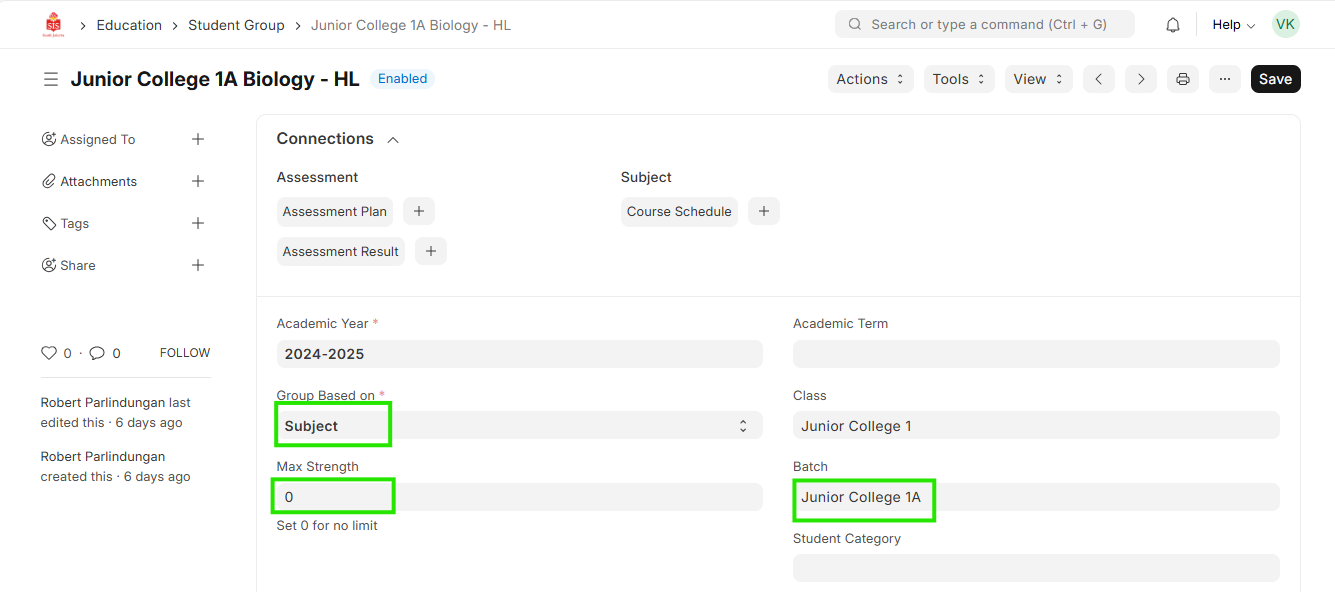 8. Add row in table for instructor and select instructor. Click save for creation. Click on Get Students to populate the list
 9. Repeat for all form class creations