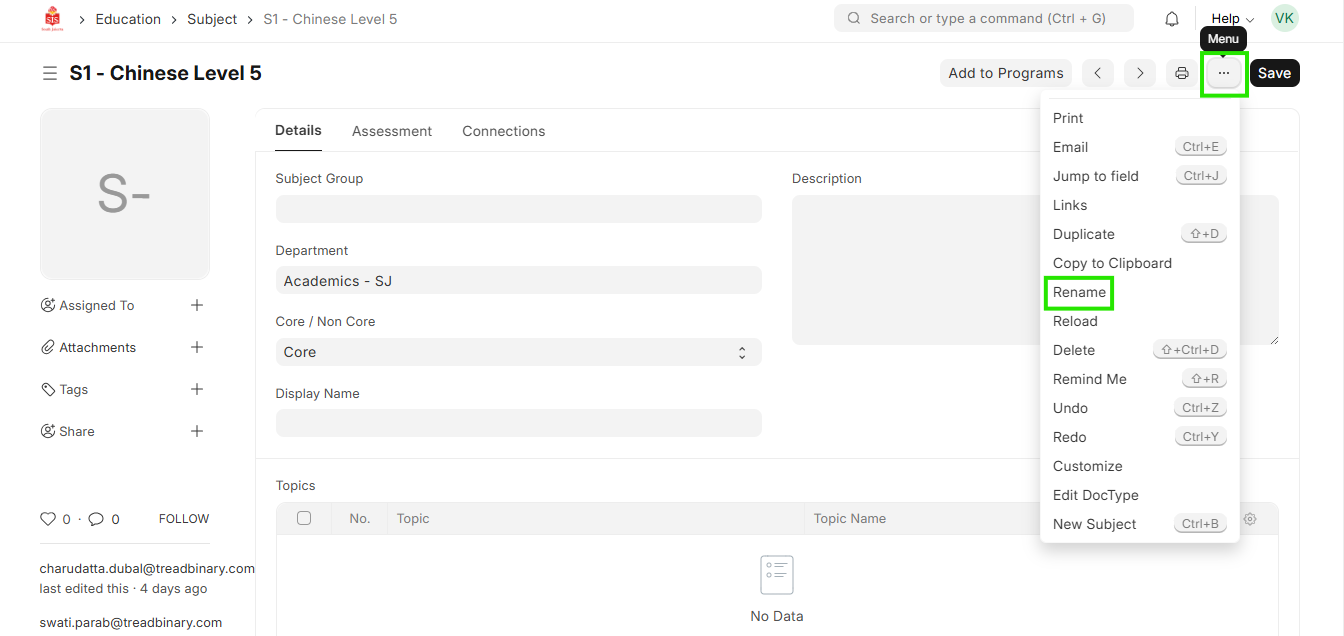
ED-Subject rename edit / update
Executed by
Registrar
Processes trigerred from
Navigation
Navigation:Education > Subject > Add Subject
Steps
Subject rename edit / update
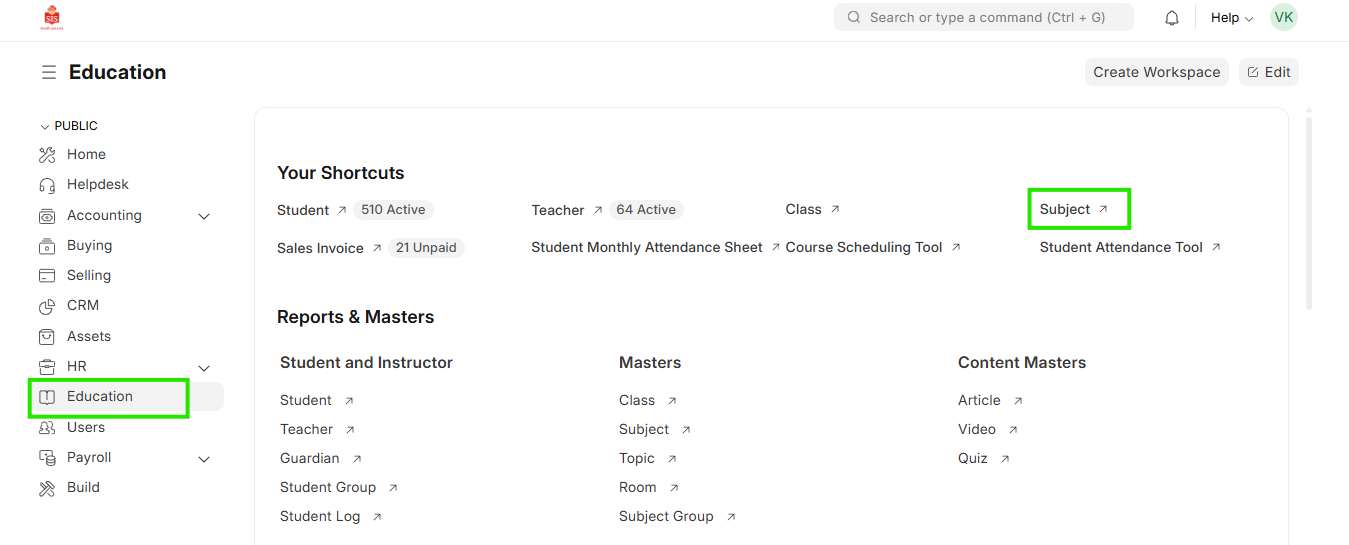
- Select education module and select Subject
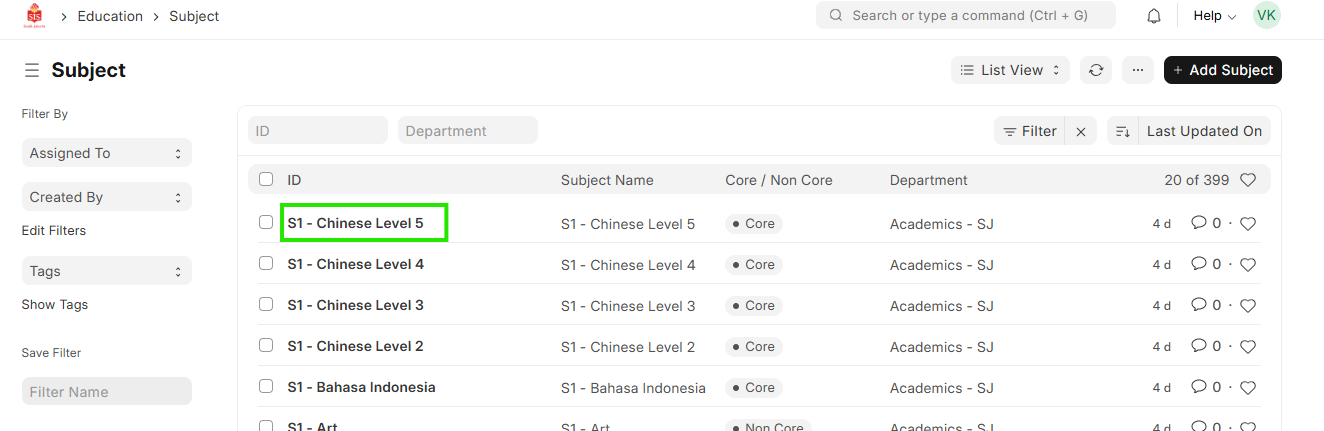
 2. Select the relevant subject for which the name needs to be udpated
 3. Click on the name of the subject. This opens in a new small window
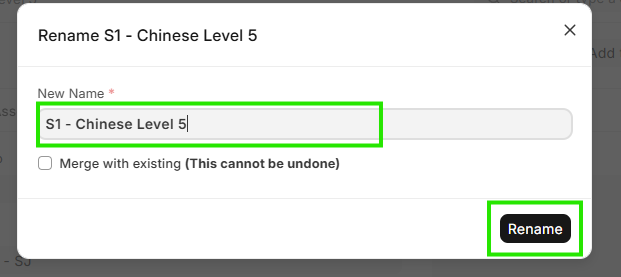
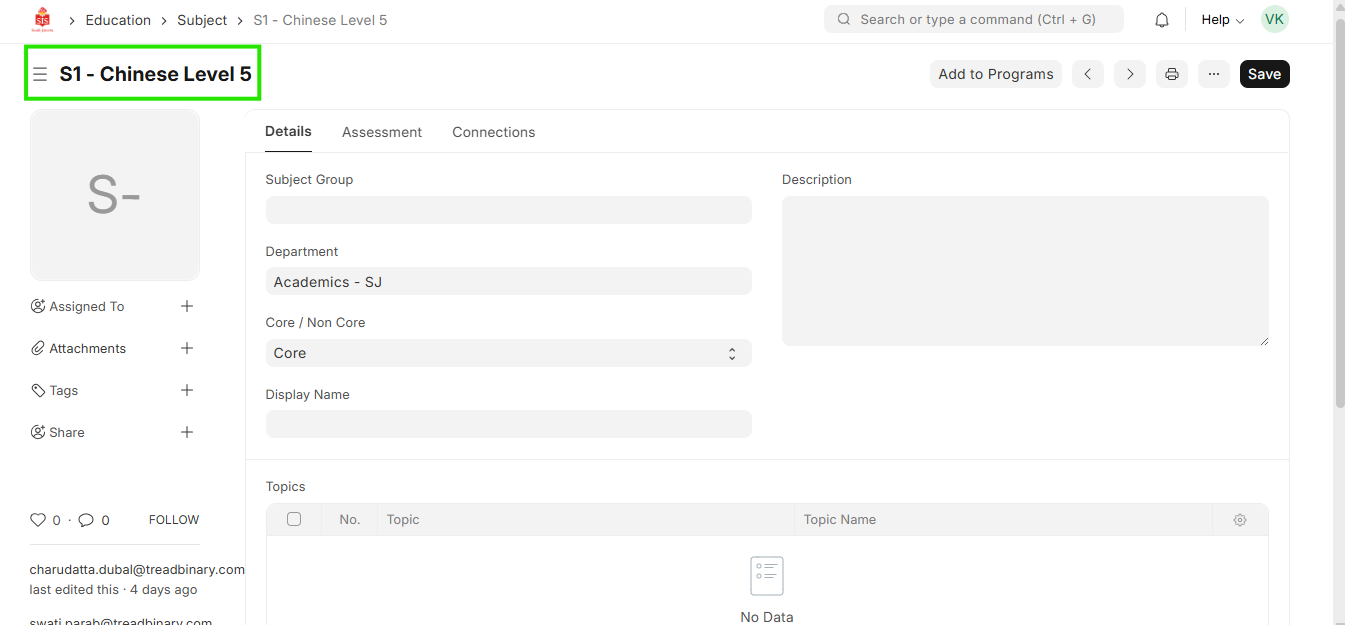 4. Update the name of the subject and click on Rename. Subject renaming will be done