ED-Teacher creation for academic provision
Executed by
Registrar
Processes trigerred from
Academics Master Data - Internal Secondary (S1-S4) "(Varaiant)"
Navigation
Navigation:Education > Teacher
Steps
Teacher creation for academic provision
- First confirm if the User ID for the respective teacher to be added has been created (need to check offline from IT admin)
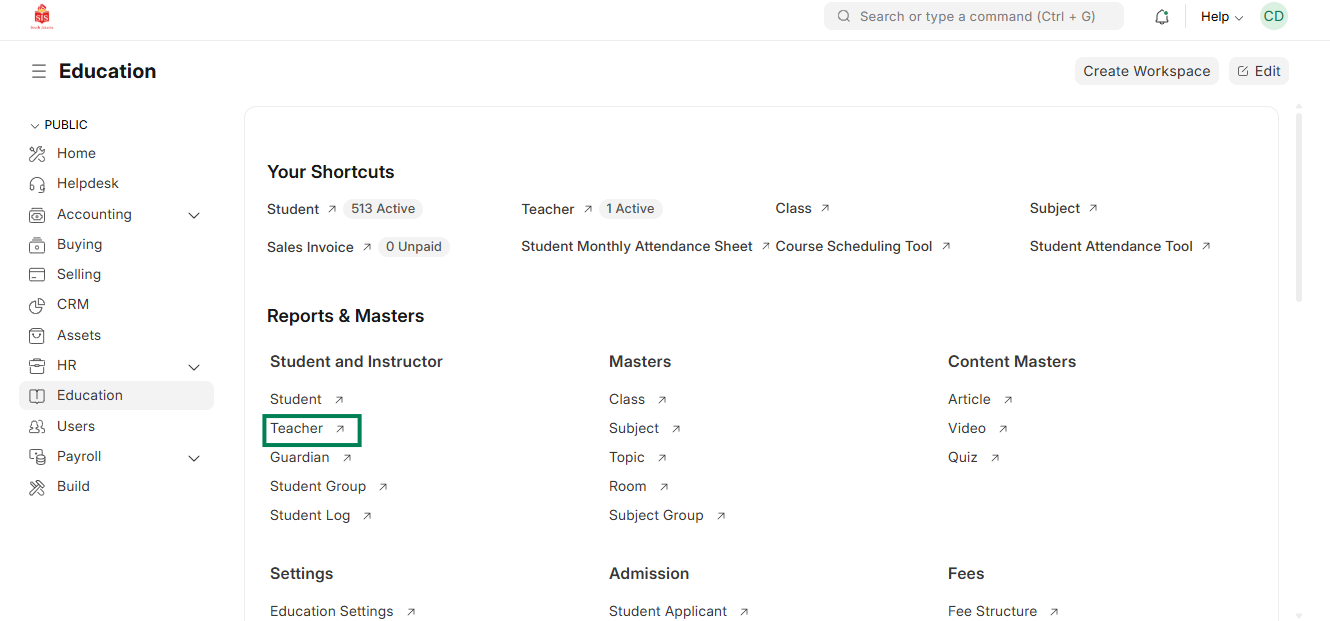
- Select Education module and select Teacher
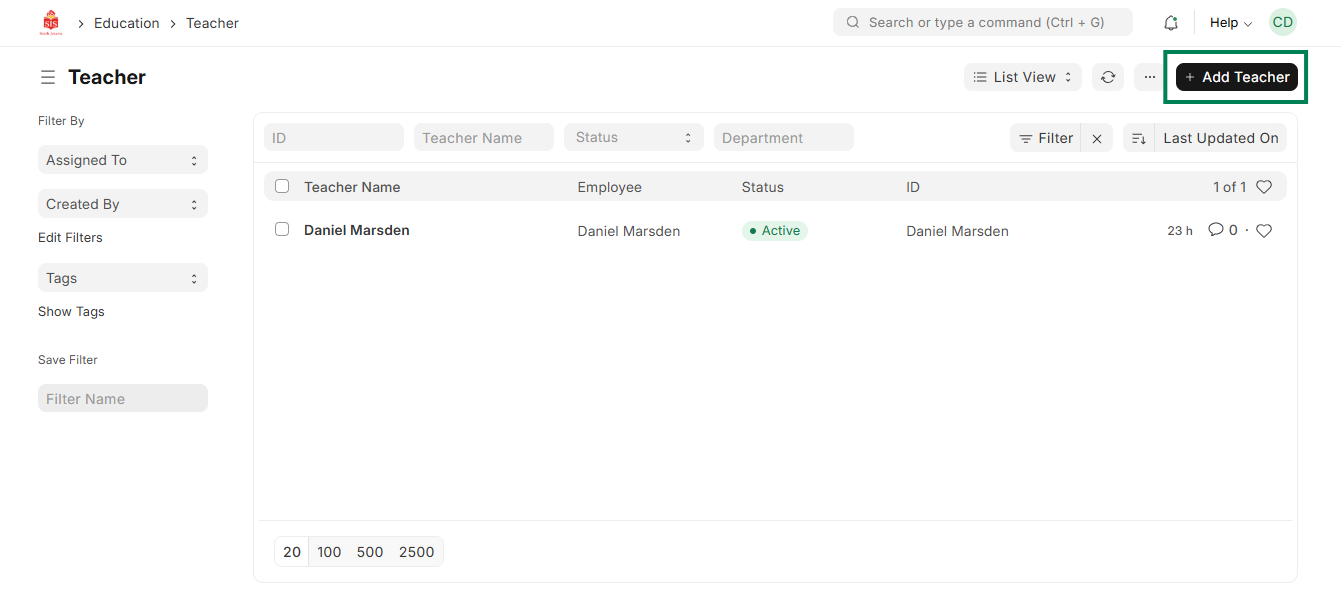
 3. Click on Add Teacher
 4. Enter the user ID/employee name to check if the other details are getting auto populated
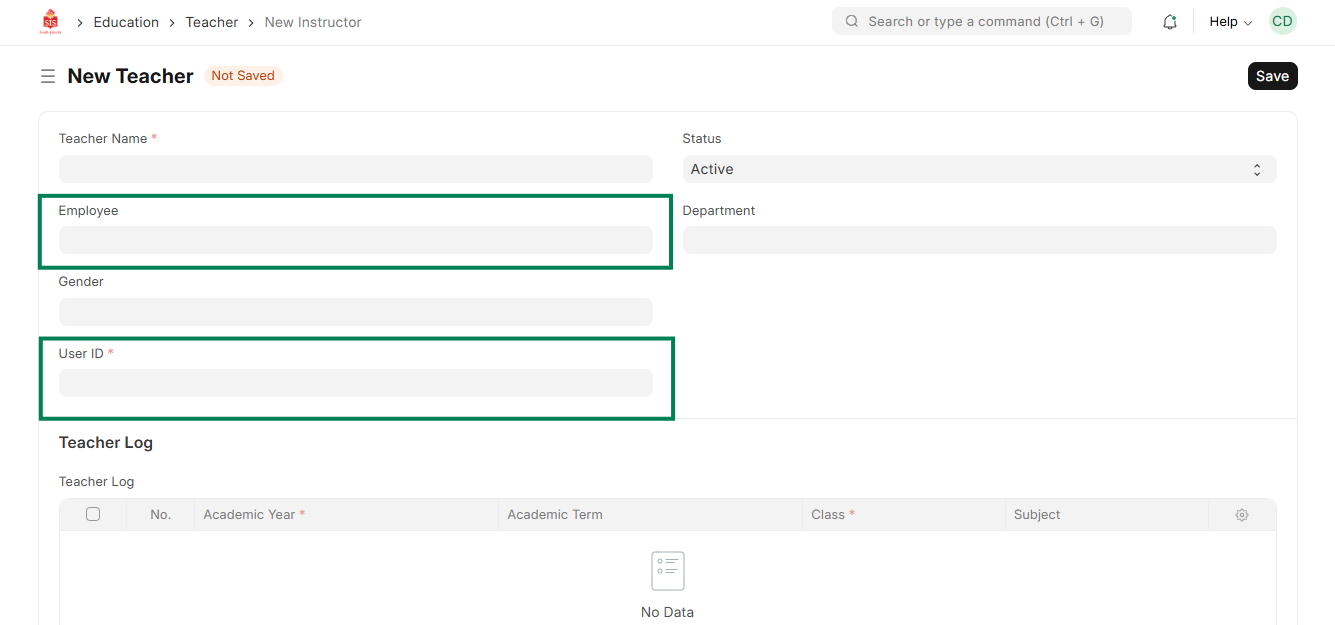
- Click on Save
- Repeat same process for adding more teachers