ED-Grade/Class corrections
Executed by
Registrar
Processes trigerred from
Navigation
Navigation:Education > Class > Add Class
Steps
Grade/Class corrections
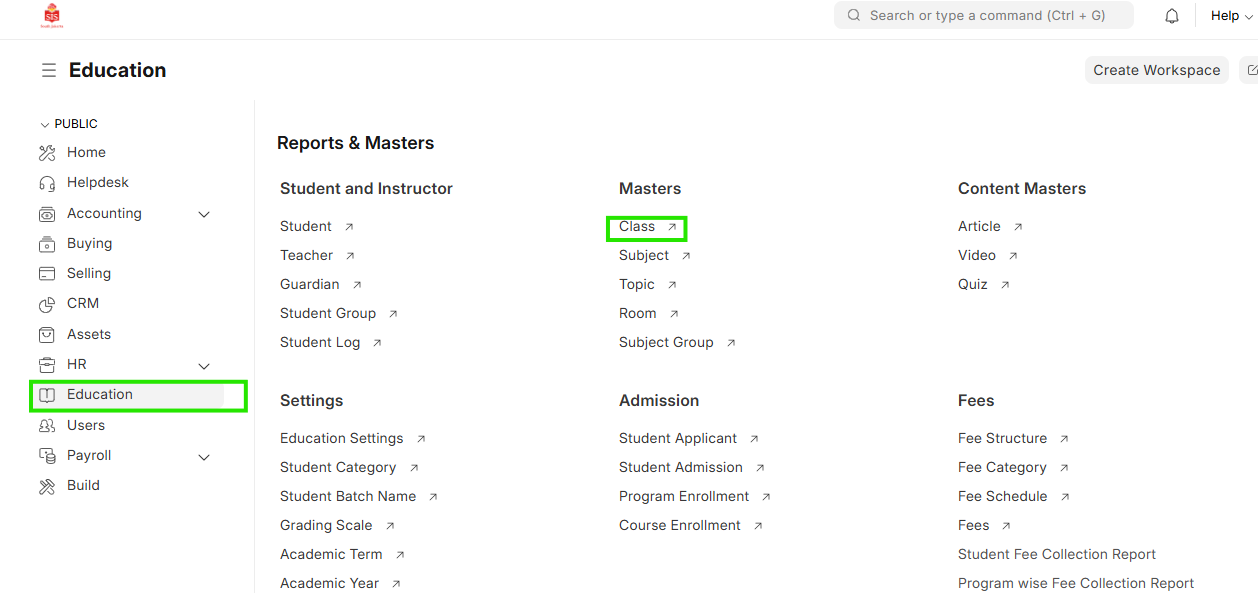
- Select Education module and select Class
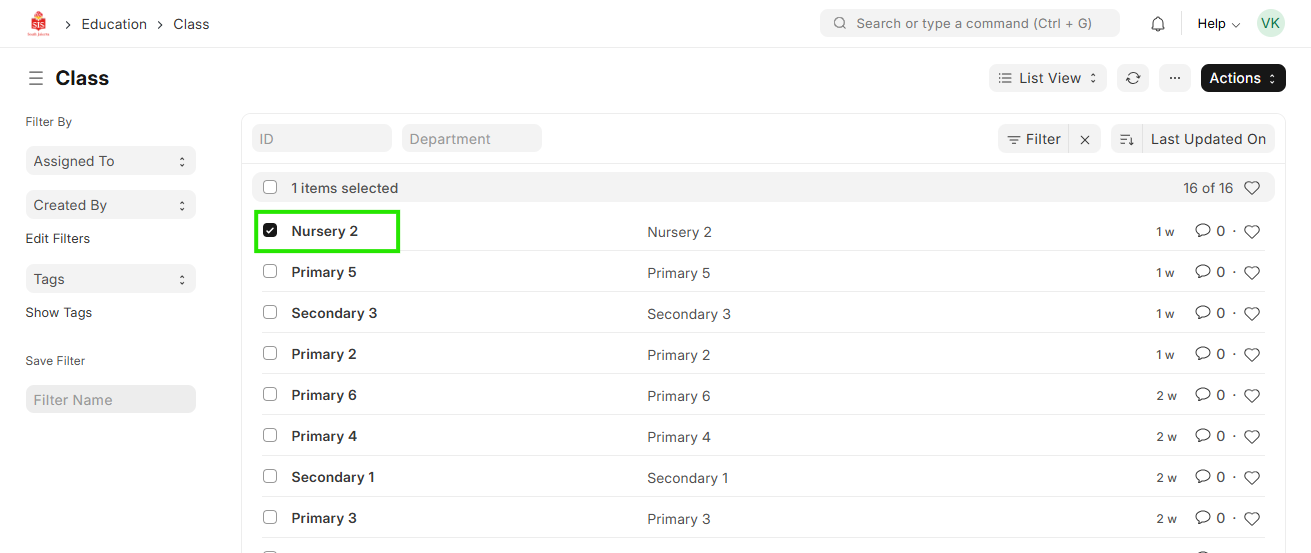
- For updating the name of the class, click on the name
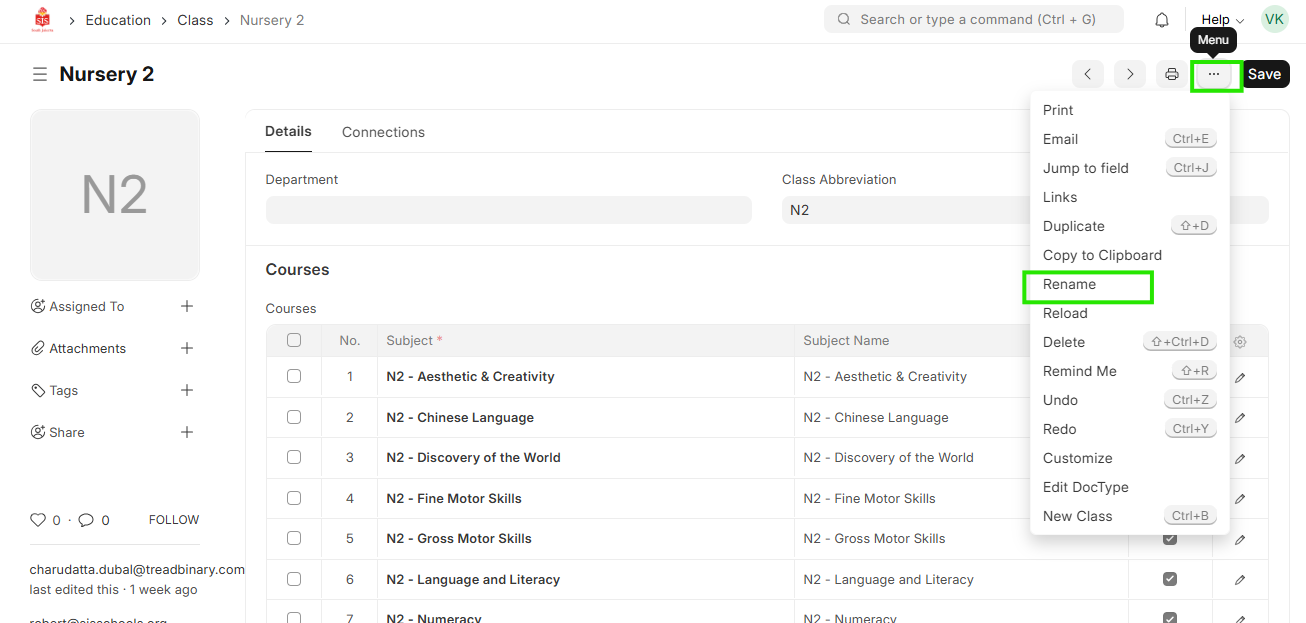
- click on the name which shows on the right upper corner
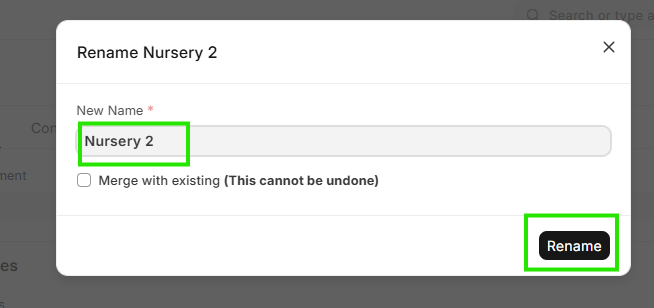
 4. It opens a sepearate window to rename or update the name. type in the corrected name and click on Rename