BY-Supplier Quotation Creation & Submit
Executed by
Senior Marketing Manager / Various Department
Processes trigerred from
- Campaign Management
- PO-based Procurement
- Service/Contract based Procurement
Navigation
Navigation 1> (To create Independent supplier quotation): Home>Select Buying Module>Select Supplier Quotation Creation.
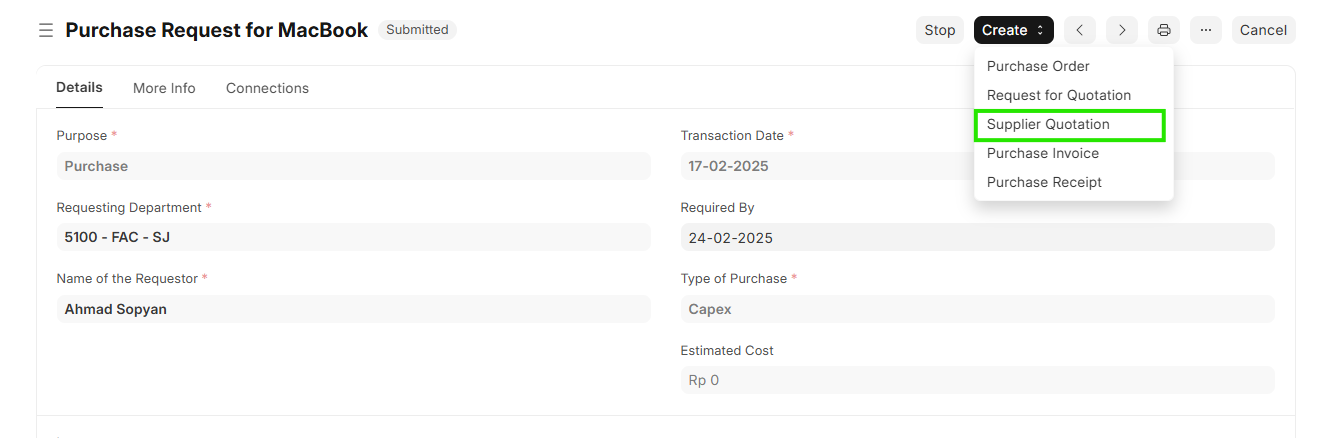
Navigation 2> (To create Supplier Quotation with reference to Material Request) : Home>Select Buying Module>Select Material request > Click on Creat Button > Select create Supplier Quotation
Steps
- Click Add Supplier Quotation
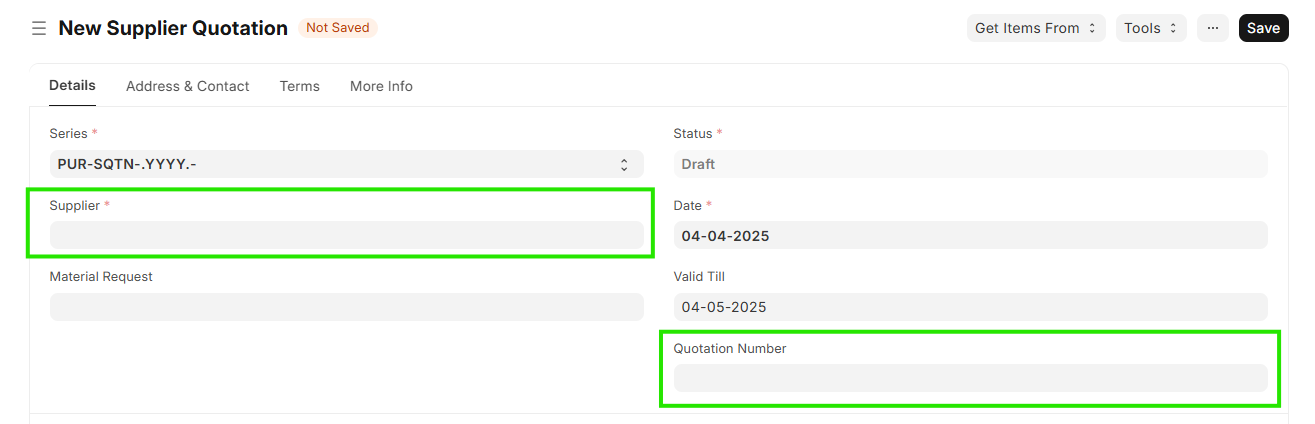
- Enter Supplier
- Enter Supplier Quotation Number received from Supplier
To Create Supplier Quotation With reference to Material request please follow
Navigation 2> (To create Supplier Quotation with reference to Material Request) : Home>Select Buying Module>Select Material request > Click on Creat Button > Select create Supplier Quotation
To Create Independent Supplier Quotation please follow
Navigation 1> (To create Independent supplier quotation): Home>Select Buying Module>Select Supplier Quotation Creation.
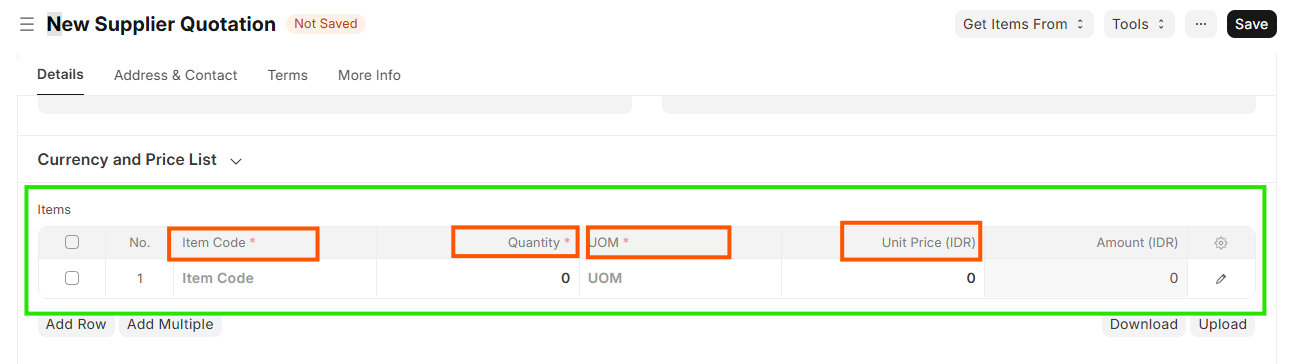
- Enter Item code,Quatity
- Enter Unit Price given by Supplier
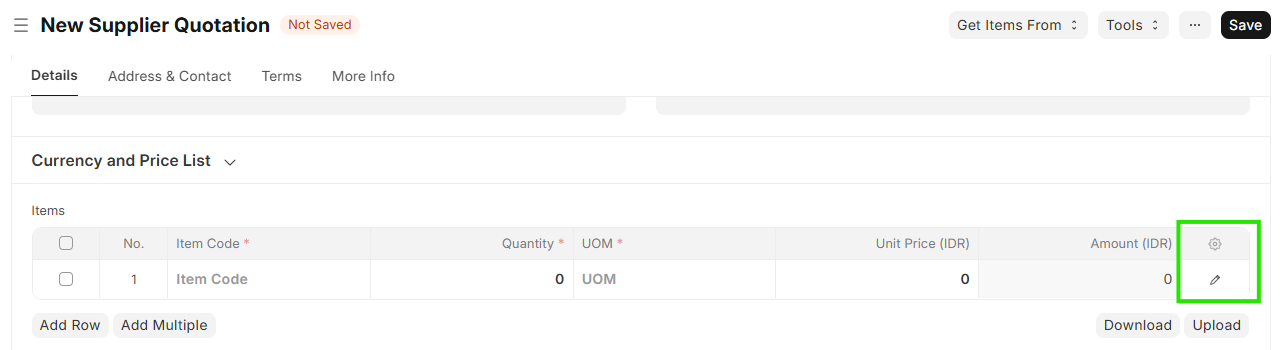
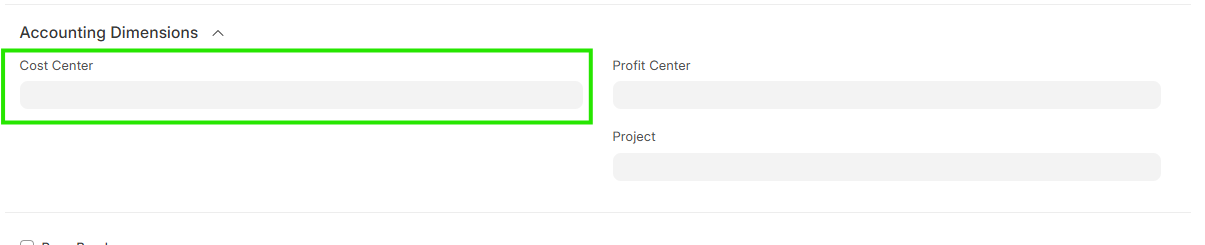
- Click on Edit Line Item & Enter Cost center in Accounting Dimension
- Save & Submit
Note:-Once Quotation is received and updated in ERP system we can compare the Quotation and select the Appropriate Vendor and its quotation