ED-Correction of attendance of a student from absent to present
Executed by
Teacher/DHT
Processes trigerred from
Navigation
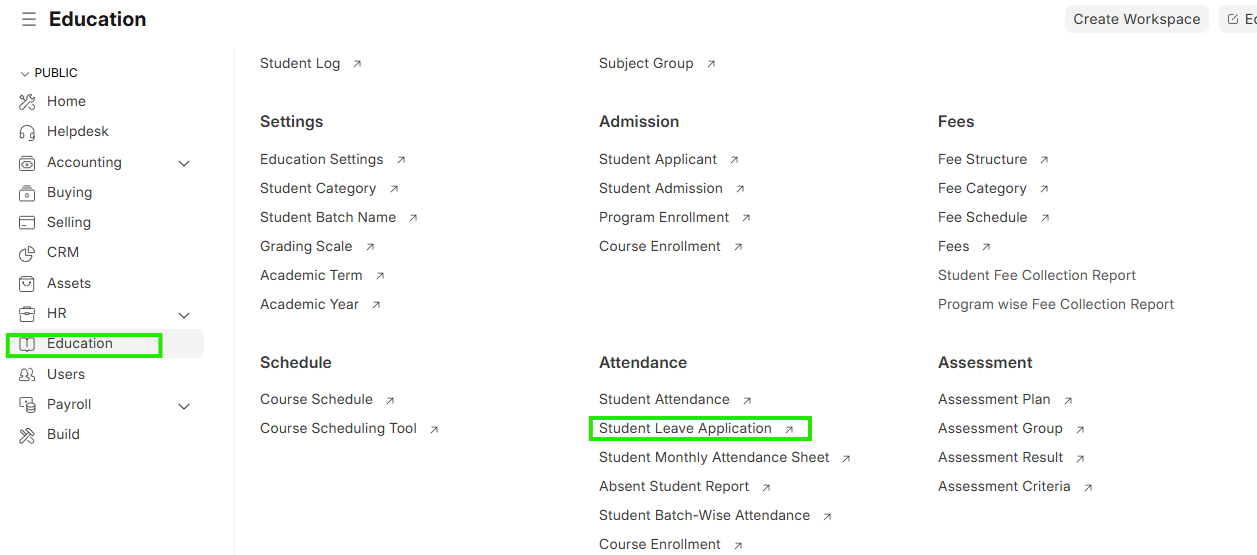
Navigation:Education > Student Leave Application
Steps
Correction of attendance of a student from absent to present
- Select education module and first check student attendance
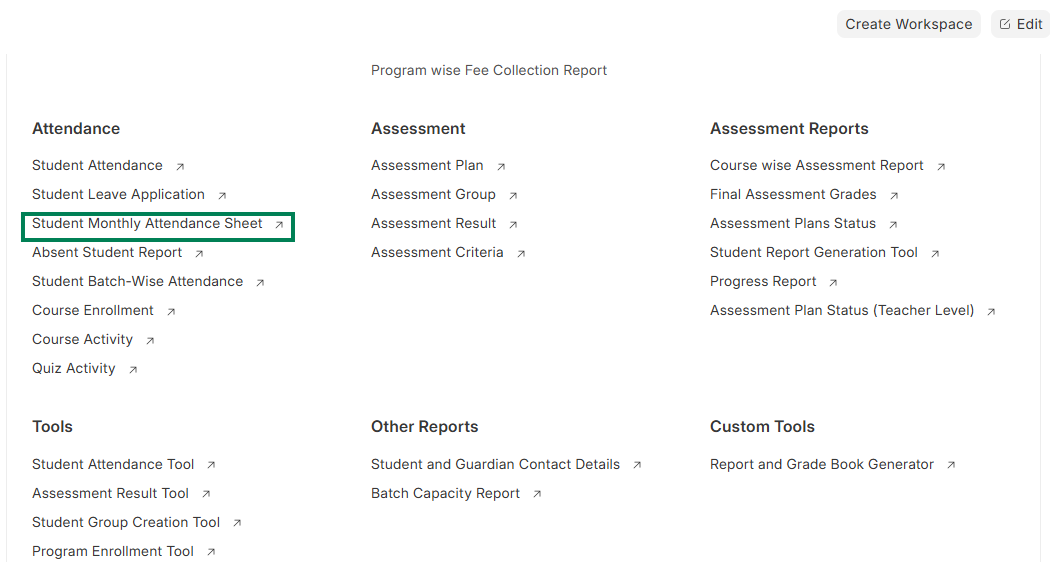 2. If the student was absent but needs to be marked as present, go to education module and select Student Leave Application
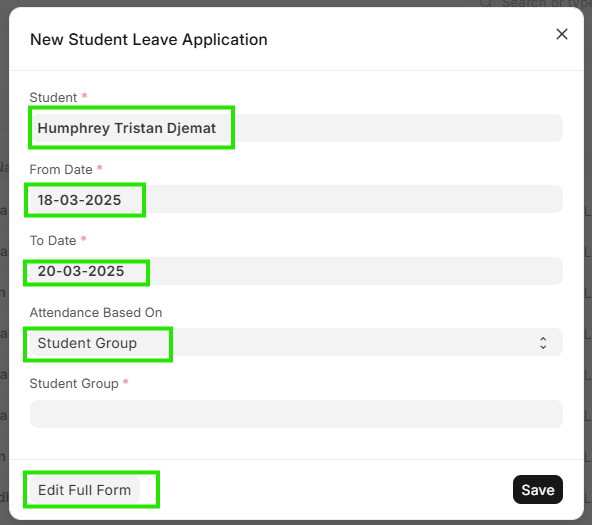
 3. Add a new entry and update the student details of the student who needs to be marked present

 4. Update the reason and check on Mark as Present checkbox in the application window
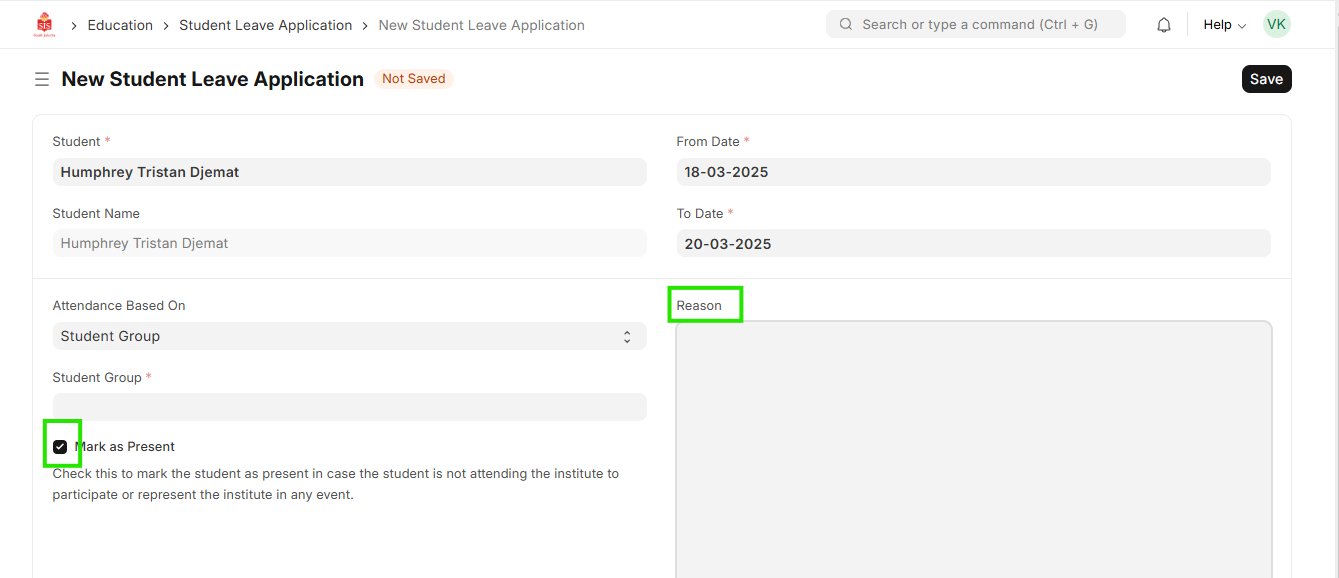 5. Click on save and submit